16
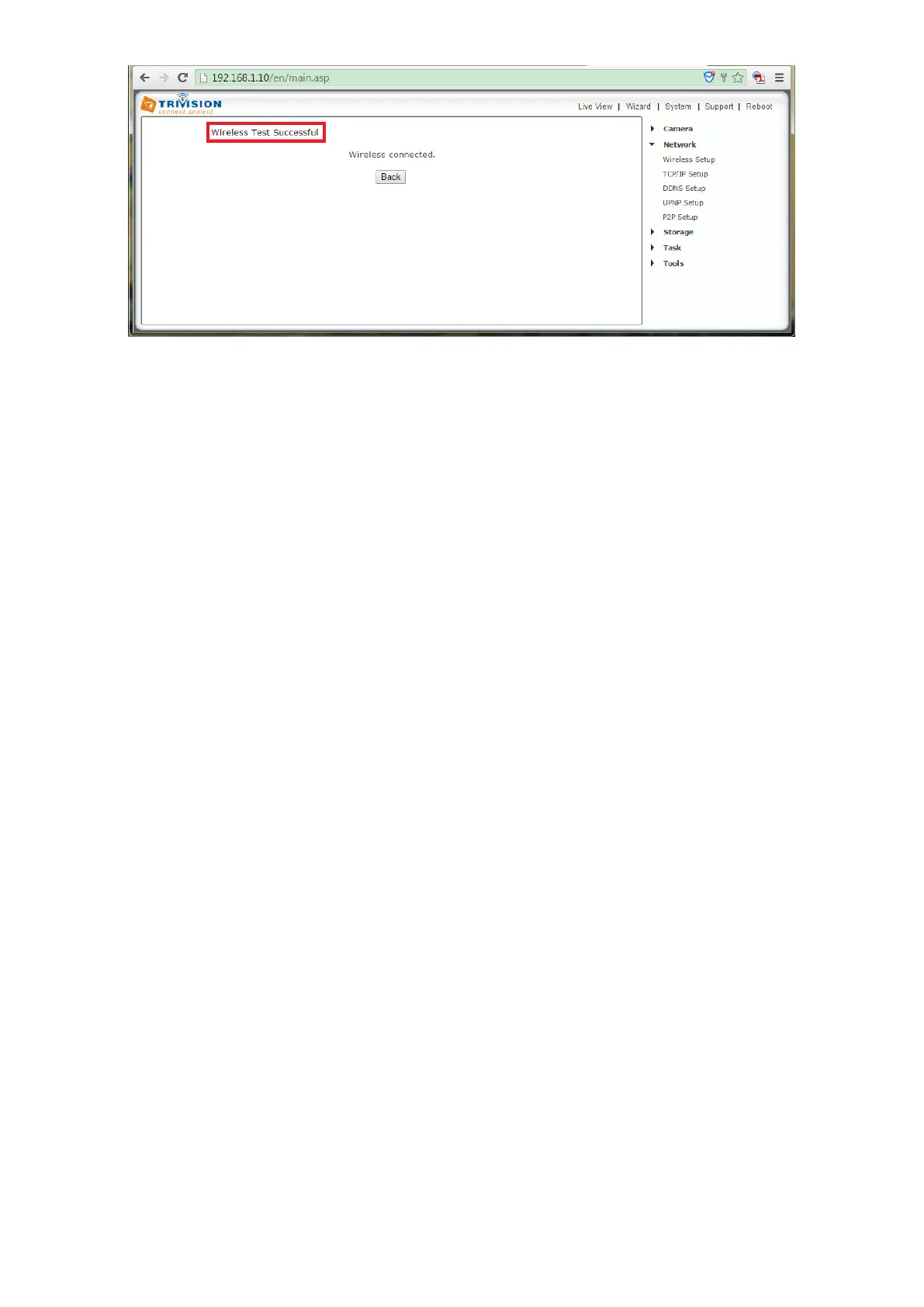
If the test reports “no wireless connection”, please double check your WPA key (Wireless password). Please note: The Wi-
Fi password can be any mixture of lower and uppercase alpha-numeric characters. Extended characters are not permitted
If you don’t remember the exact spelling of your password, you can login your router and check your router’s wireless setup
menu. We recommend that you temporarily remove wireless security from your router for a quick experiment to see if the
setup succeeds with no passwords. Then put the password back in and try again. Many times this will refresh your memory
about the exact spelling of your password.
The maximum distance is dependent on the kinds of walls and objects that are between your wireless router antenna and
your camera. One easy test for determining the maximum recommended distance is by holding your TriVision outdoor
camera to the exact spot where you want to install the camera and check to make sure it’s streaming video to the app on
your mobile. If you don’t see smooth video, In that case, there are a number of options.
See 1.7 No Wi-Fi signal
Keep in mind that the wireless signal travels easily through common building materials such as wood, glass, sheet rock, and
vinyl siding, but does not go at all through metal. If there are any big metal objects such as a fridge, filling cabinet, or HVAC
ducting in between the Wi-Fi router and the camera, try to reposition either the camera or the router so that the metal
object doesn’t block the signal. The best placement for a wireless router is in an area that is higher up and free of nearby
clutter, for example on top of a wooden book shelf .



 To Next Page