23
5.4 Snapshots, storage and Playback
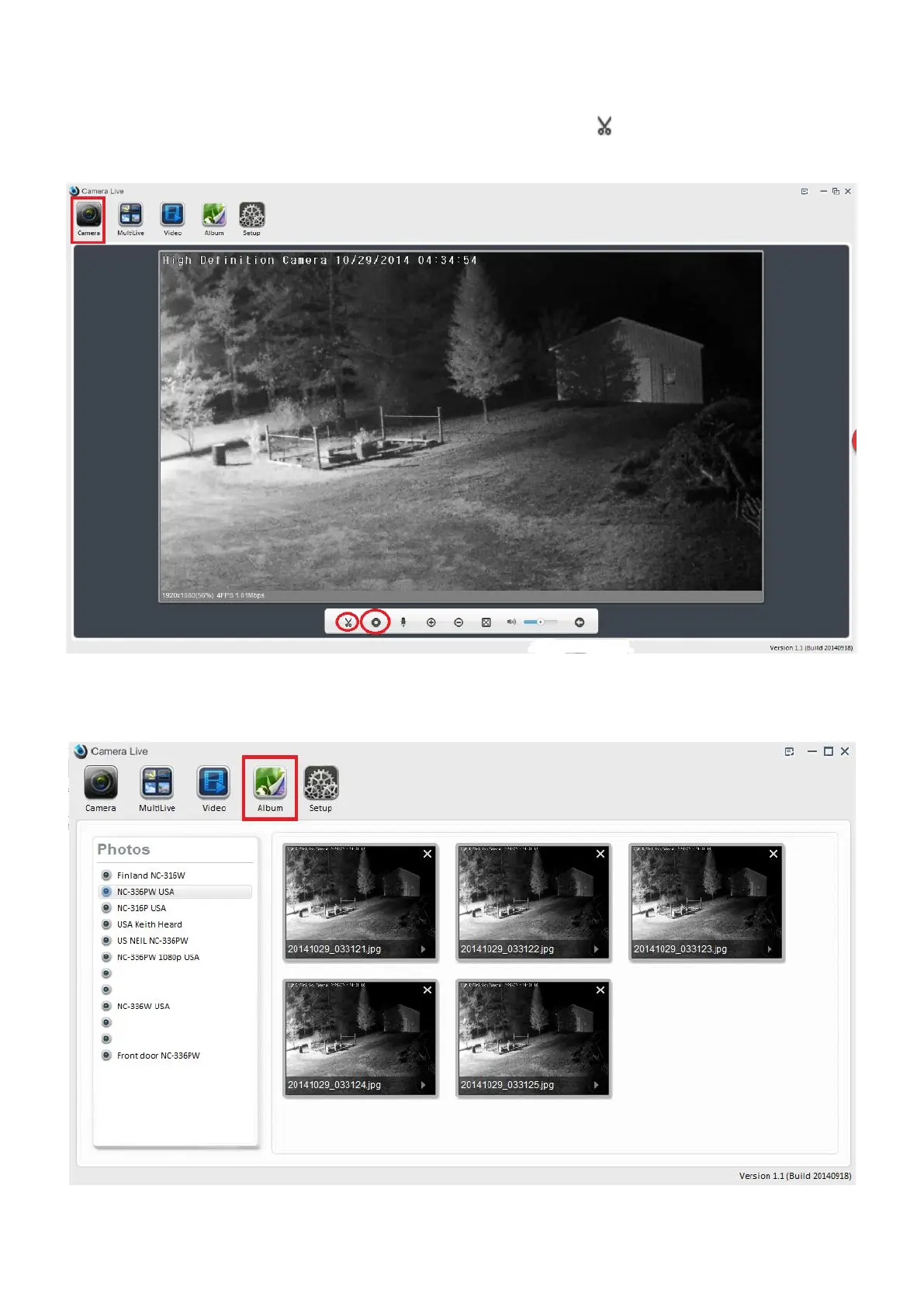
1. Select and view the camera live from Camera screen, then click on “Snapshot” at the bottom of
the screen to take snapshots.
2. Click on “Album” icon to view the snapshots in Album. Note: The snapshots file will be automatically
created and stored on your PC or Mac under Camera Live album in Files Archive under root C:/.



 To Next Page