27
7.0 CAMERA SETTINGS
7.1 Login Password Modification
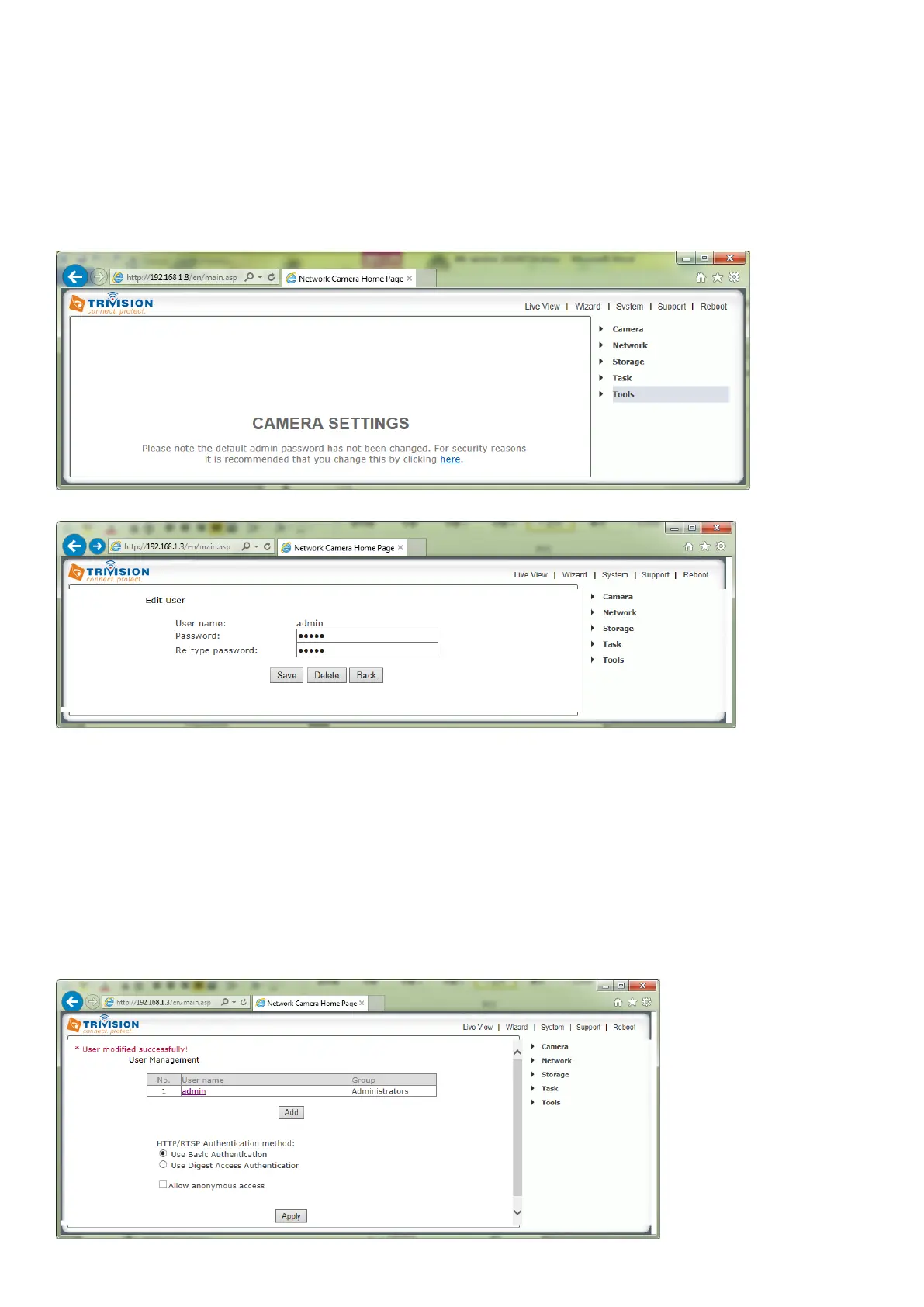
Please note: If you are installing the camera for the first time or after a reset to factory defaults, you are
advised to change the cameras default password as per the message displayed. Changing the cameras
default password is highly recommended to stop unauthorized access to your camera.
Click the link displayed to access the Administrator Password editing page
The Administrator user name is always “admin” in lowercase. Choose a password that is memorable only
to you – avoid passwords that are easy to guess, such as “password” “admin” “123456” or your personal
details.
Please note: If you added the cameras to the app on your mobile or PC/Mac, and later changed the
default passwords on the camera, the cameras will show as disconnected in app - you need to specify
the updated password in the apps
Once you have typed your password twice, click Save. The system will then ask you to login again. You should
then see the following screen



 To Next Page