8
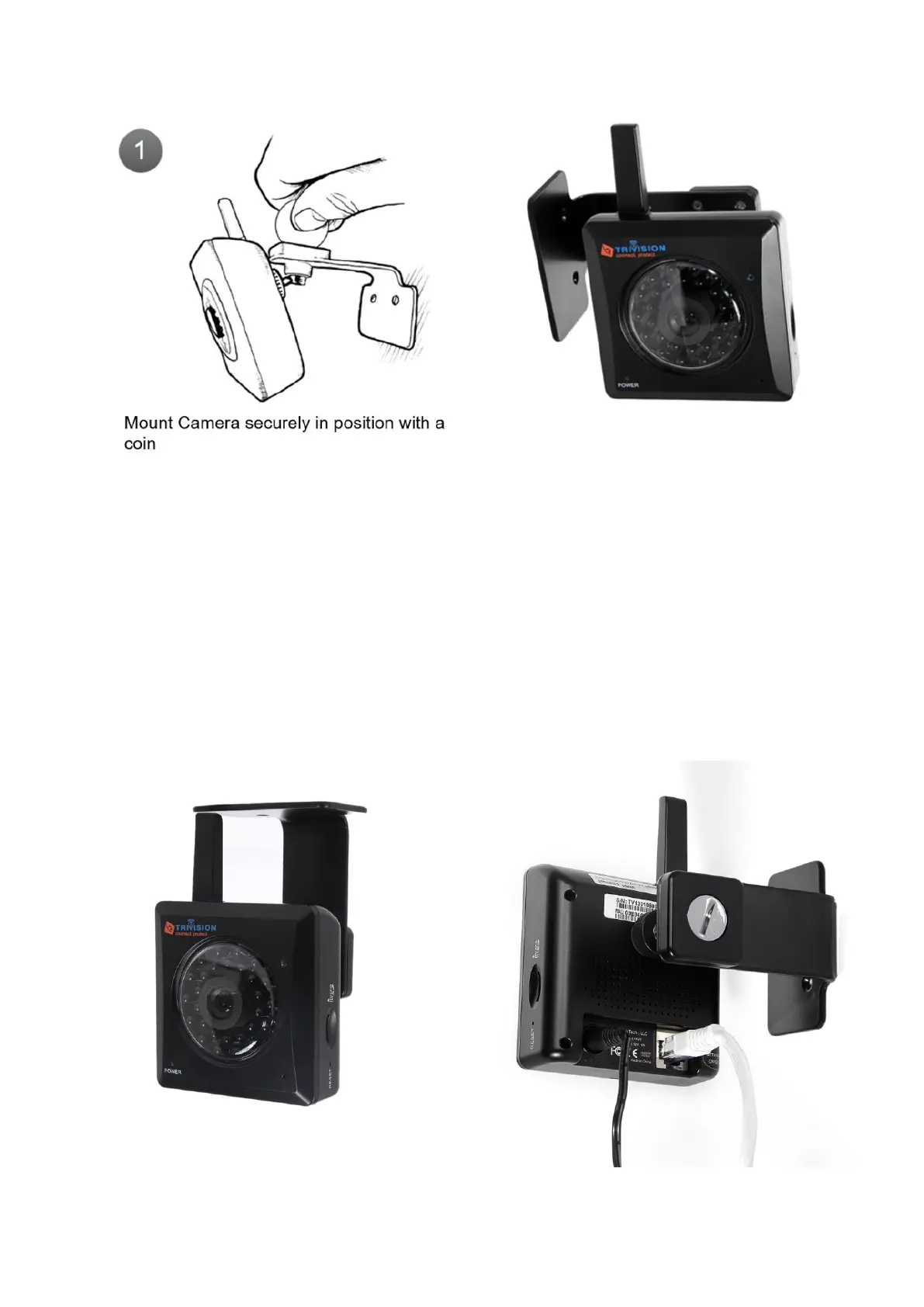
1.6 Mount your camera
Screw the wall plate onto your wall. It’s a good idea to drill pilot holes first. If the wall is made of a material
like brick or stone, you may need to use the included wall anchors to hold the screws.
Then the nut can be slightly tightened using a coin, the camera can be rotated onto the mounting post
without the cables getting in the way. Then you’d loosen the nut using a coin and position the slot in the ball
joint upwards so that the camera can be directed to the desired viewing angle, and the nut can then be
tightened with a coin to lock this position into place.
Alternatively, it allows attachment of the mounting bracket from above if you are planning to install the
camera under an eave or to a ceiling.



 To Next Page