22
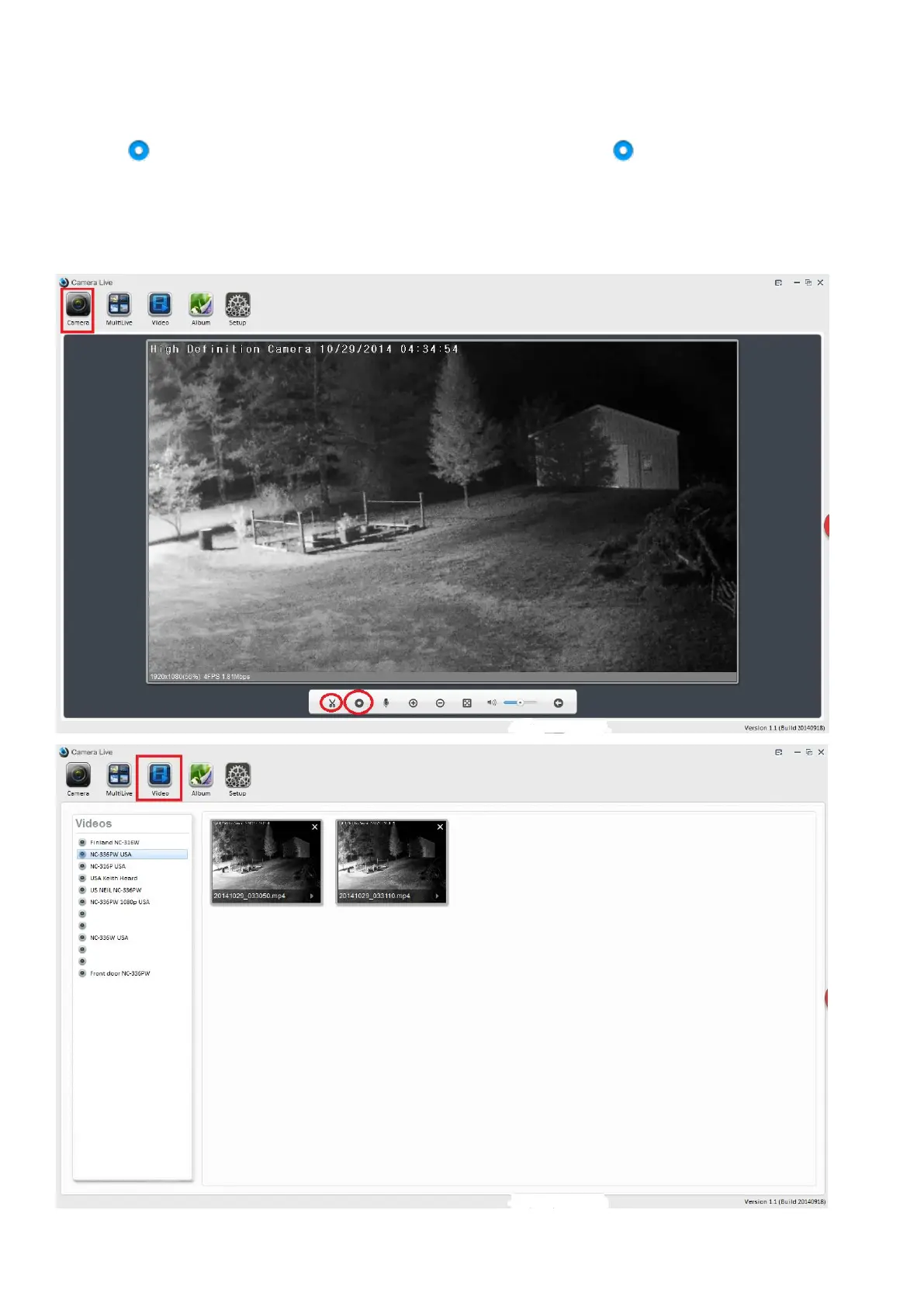
5.3 Video recording, storage and playback
1. Select and view the camera’s live from Camera screen
2. Click “Video recording” to start the video recording, click on the icon again to stop the
recording
3. Click “video” menu at the topper screen, then select camera, playback the recorded video
Note: The recorded video file will be automatically stored on your PC under root C:/



 To Next Page