26
6.2 Live View (using Firefox, Safari, Chrome and Edge)
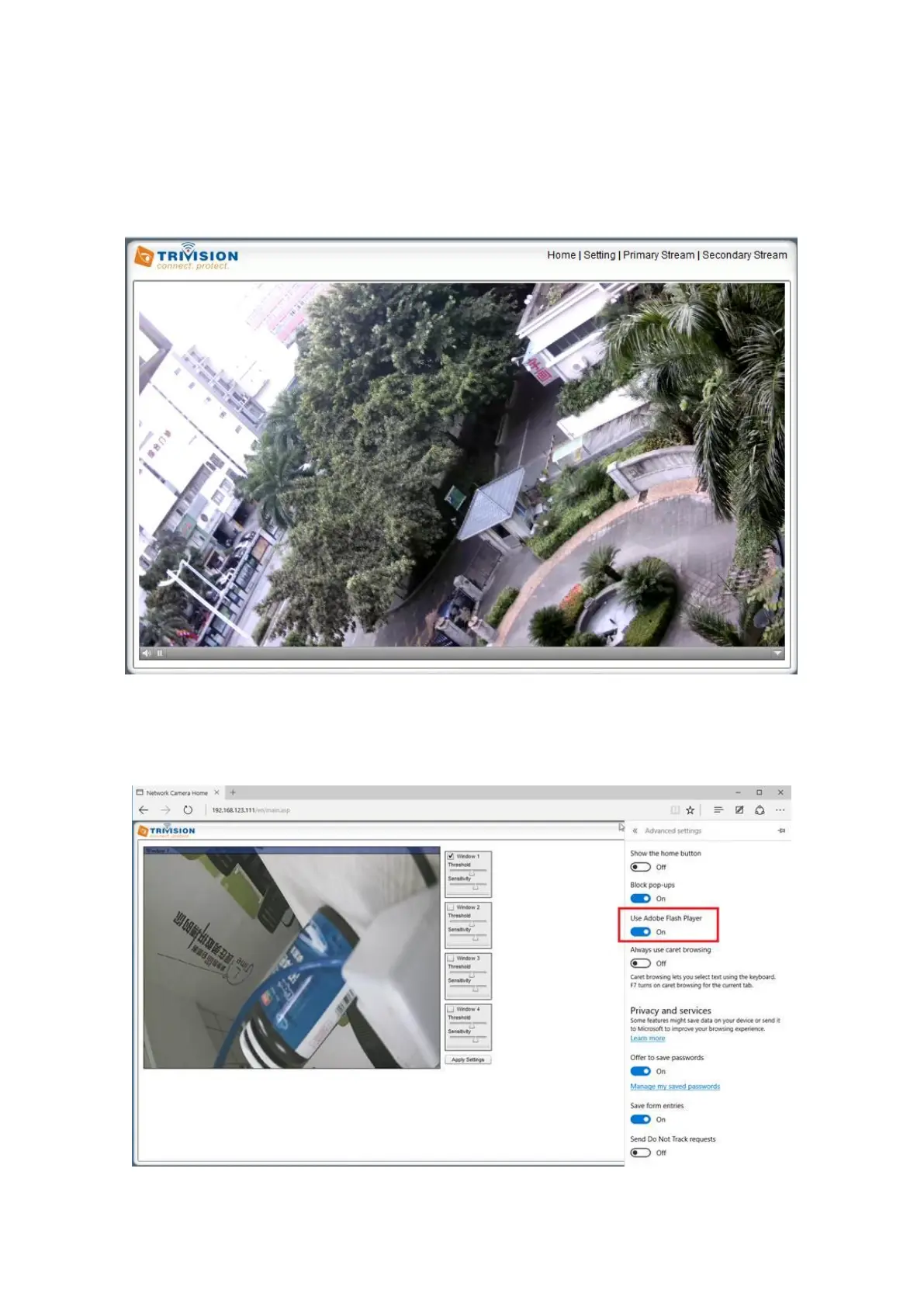
Upon verification of the username and password, the camera image will begin to load.
Adobe Flash Player or QuickTime or your media program may ask you to re-enter your login username and
password at this point. This is common on most systems. Please note: You need Adobe Flash player Installed
on your system to record videos directly from the web browser if you are using a program other than
Internet Explorer.
Make sure to enable the Flash player function in EDGE browser: Click “setting” in EDGE browser-click “view
advanced settings” enable “use Adobe Flash player” as below



 To Next Page