46
17. NOTE: It is easy to have a typo. The SMTP server name never has an @symbol. On the other hand,
email addresses must have an @ symbol.
18. Period Interval-- Time interval between snapshots. It allows you to designate a time (in seconds or
minutes or hours) during which new emails are suppressed. For example, if you want to avoid a flood of
emails, you could set this time to 60 minutes so that you wouldn’t get any new emails for 1 hour.
7.6.4.2 Email Alarm Troubleshooting
Some email server settings to use your
camera with popular email providers:
gmail.com
SMTP server name: smtp.gmail.com
SMTP server port: 465
Secure SSL: Yes
Authentication: Yes
Username: YourUserName@gmail.com
Password: xxxxxxx
gmx.com
SMTP server name: mail.gmx.com
SMTP server port: 587
Secure SSL: No
Authentication: Yes
Username: YourUserName@gmx.com
Password: xxxxxxx
Yahoo.com
SMTP server name: smtp.mail.yahoo.com
SMTP server port: 465
Secure SSL: Yes
Authentication: Yes
Username: YourUserName@yahoo.com
Password: xxxxxxx gmx.com
att.net
SMTP server name: smtp.att.yahoo.com
SMTP server port: 25
Secure SSL: No
Authentication: Yes
Username: YourUserName@att.net
Password: xxxxxxx
Please note: Regarding the Email alarm , please kindly note that the mail account could be locked via ISP.
For example, the Gmail allows Max 50 emails per hour and Max 200 emails per day. If there are
continuous numerous email alarms, the Google will take those alarms as spam and lock your Gmail
account. Follow up the procedure below to active your email account if it’s locked.
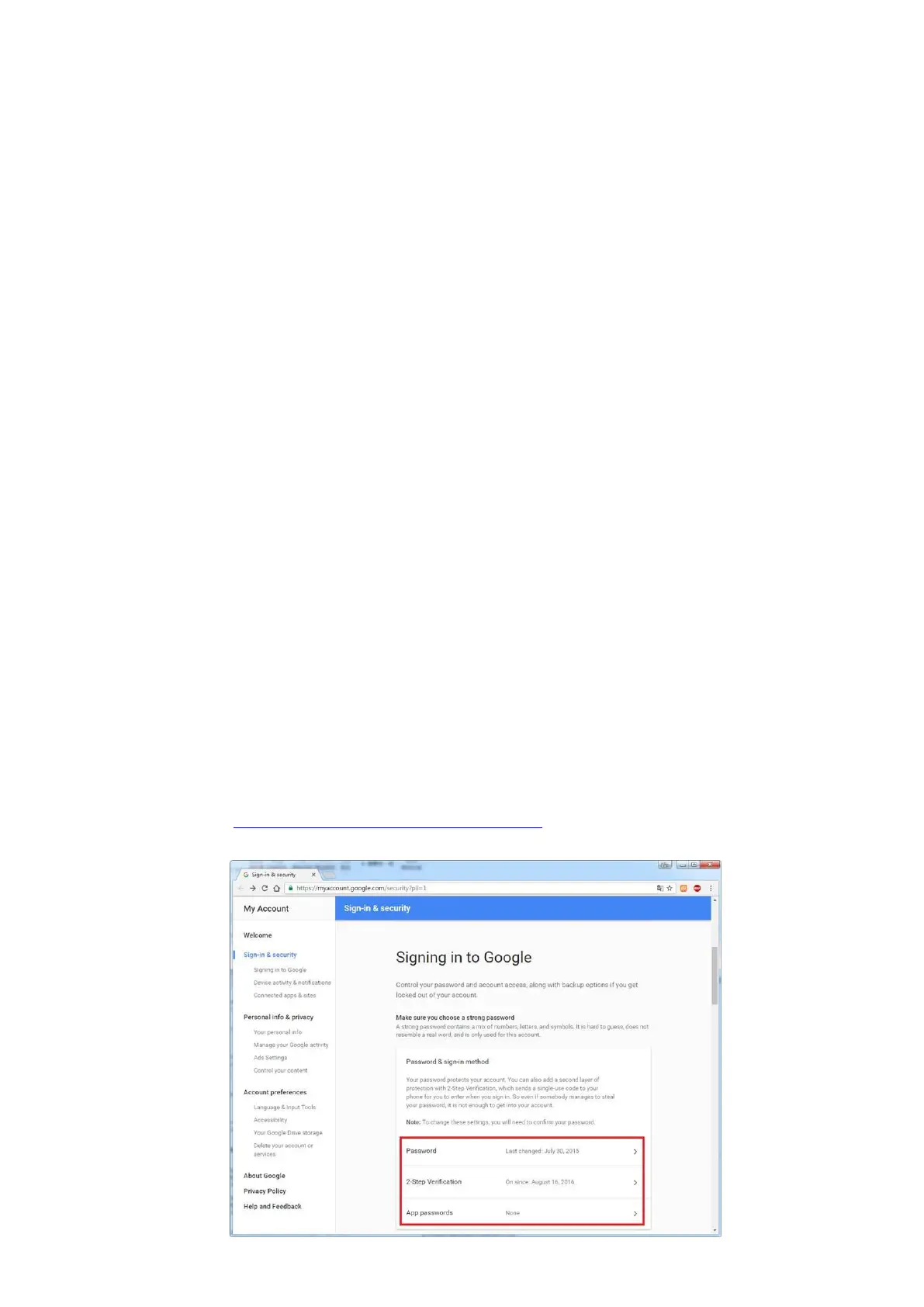
1. Login the website https://myaccount.google.com/security, click “sign in & security” menu to
access the setting page. Make sure that you have enabled the 2-step verification



 To Next Page