43
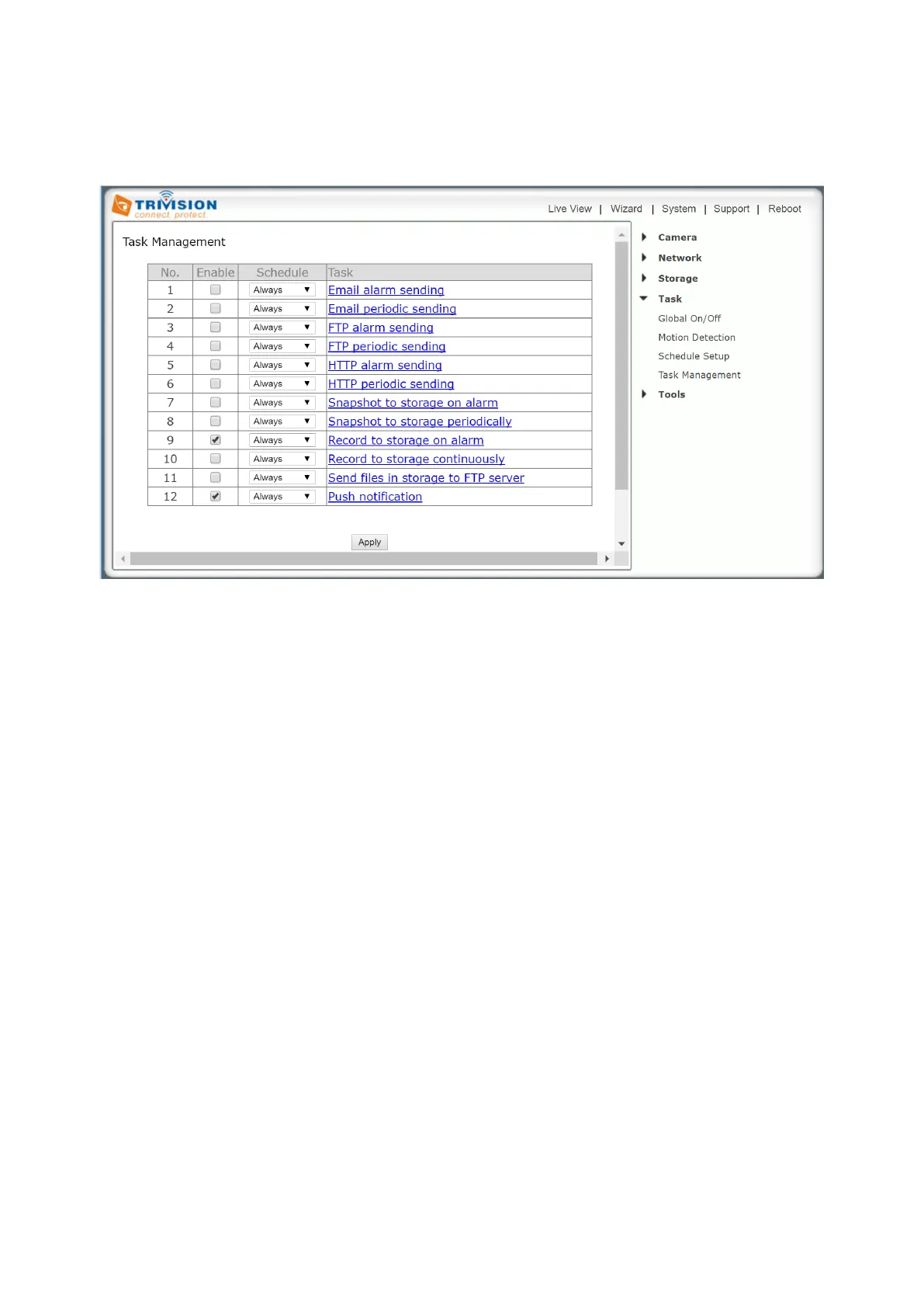
7.6.4 Task Management
There are various tasks you can enable on your camera. This section will explain the various tasks and their
functions
[Enable] Ticking the box to enable task
[Schedule] Option to choose always (default setting) or set a particular schedule (Check Schedule setup to
select the right schedule ID (1-4) for your task)
[Task] Task function. Click on the task to login the task setting screen below.
Click Apply to confirm your setting



 To Next Page