32
7.4.4 OSD Setup
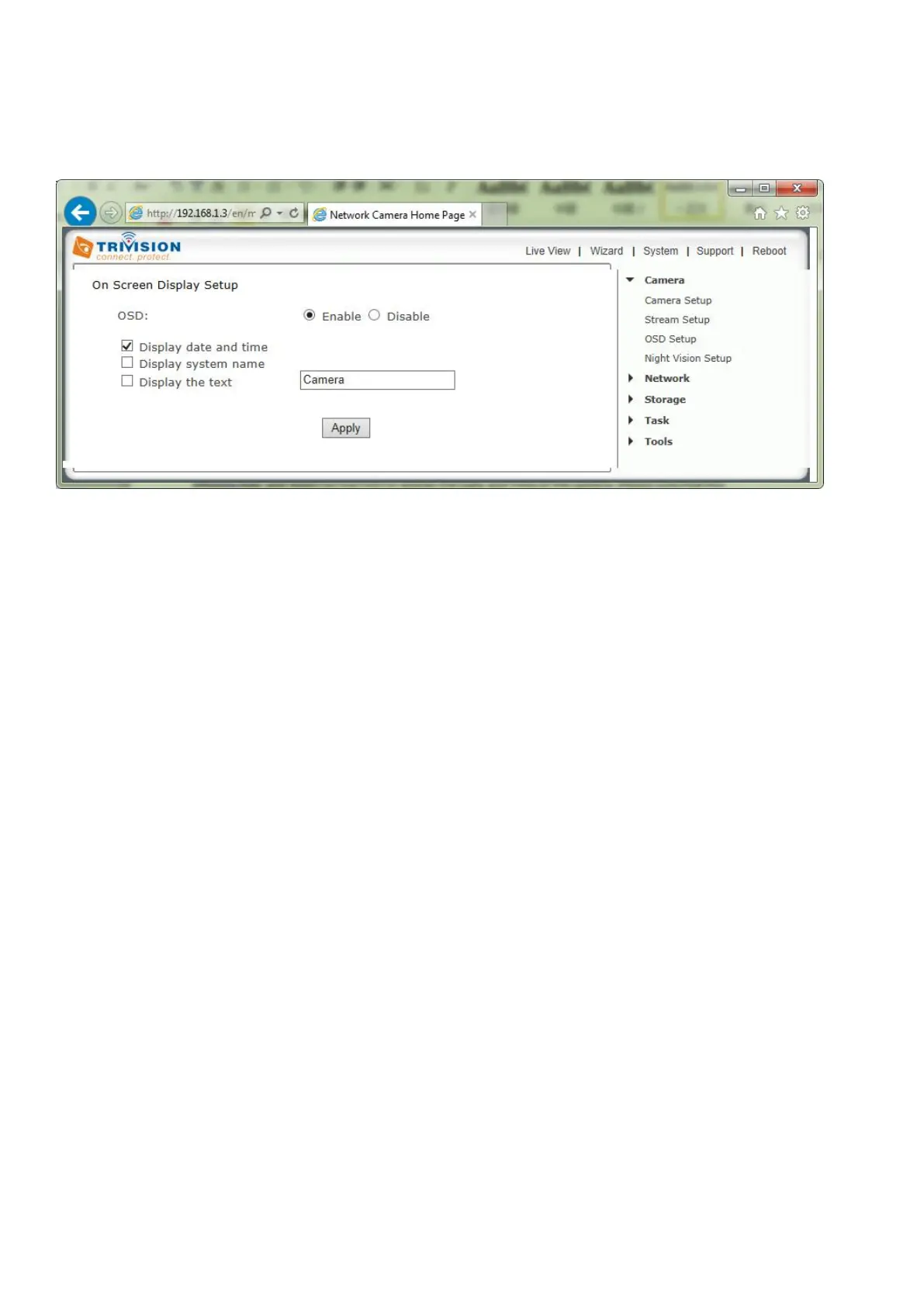
Click on OSD Setup under the Camera Menu to change the on-screen display parameters of the camera.
On Screen Display Setting Options
[OSD] Enable or Disable the On Screen Display.
OSD Options
[Display date and time] Set the OSD to display the Date and Time of the camera. Please note that this
function will simply display the date and time that has been programmed in the camera and therefore the
time and date may be incorrect unless the camera is synchronized to a time and date server on the
internet. This is accessible under the Tools menu and will be covered in more detail in the manual.
[Display system name] Set the OSD to display the System Name of the camera. The system name can be
modified from the System Identity page, accessible under the Tools menu, and will be covered in more
detail in the manual.
[Display the text below] Set the OSD to display specific text. Use the text field to input the desired text.
Click Apply to confirm your setting.



 To Next Page