57
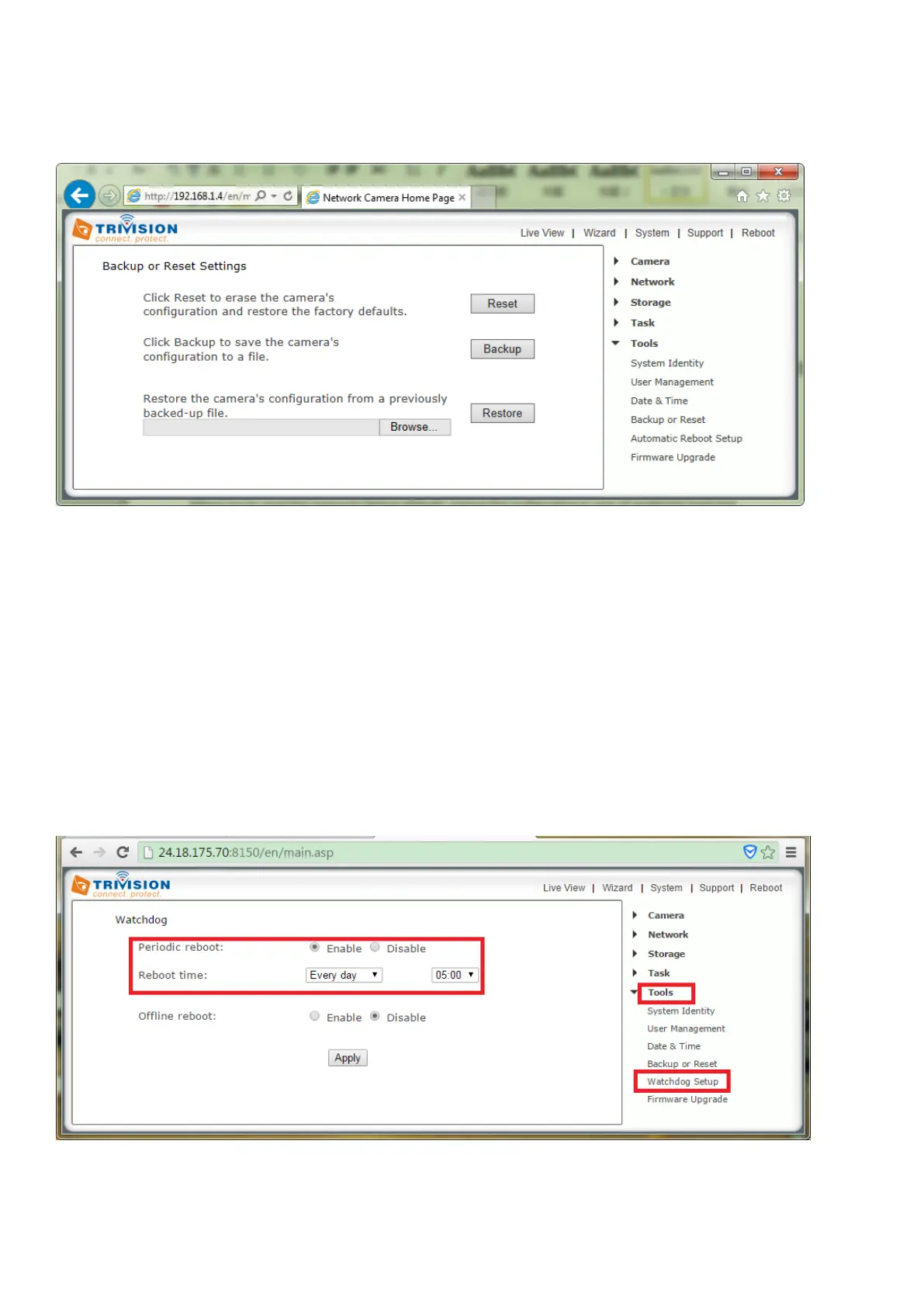
7.7.4 Backup and Reset
Allows you to reset the camera to factory defaults, backup the configuration in case of accidental reset and
restore settings from a backup.
[Reset] Click Reset to initialize the camera to default factory settings. All users and settings will be lost,
requiring you to reconfigure the camera.
[Backup] Click Backup to back-up the current configuration of the camera for future reference. Once you
have your camera setup as you require, this is recommended.
To restore a backup file:
[Browse...] Click Browse... to search for a backup configuration you wish to upload to the camera, then
click Restore.
Note: Do not turn off the power during the Restore function since this might corrupt the camera’s
firmware
7.7.5 Watchdog Setup
[Periodic reboot] Enable task to keep camera automatic self-checking the connectivity status.
[Reboot Time] Option to choose always or set a particular schedule.



 To Next Page