65
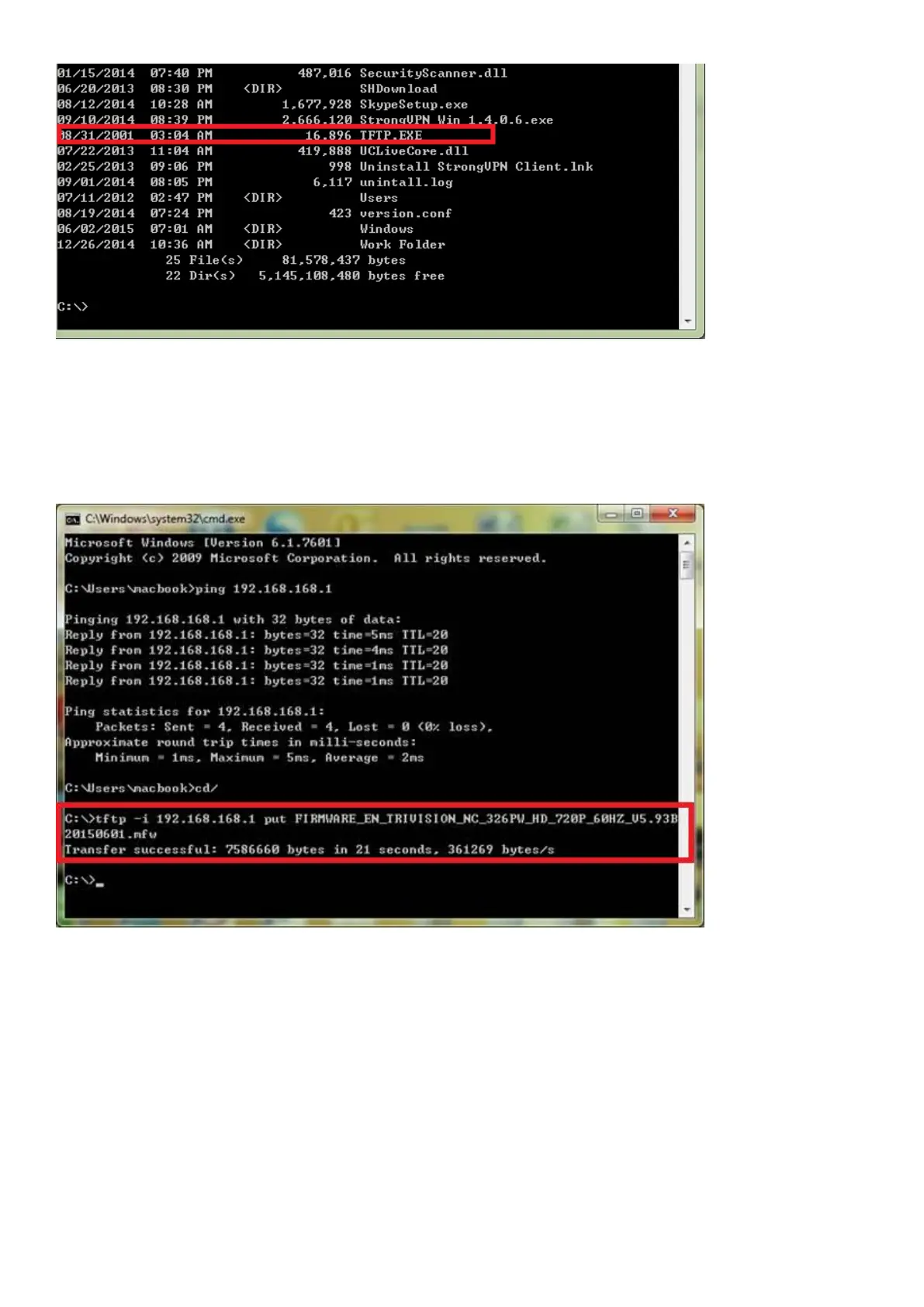
13. Type this command in to the prompt under c:\ root as below
c:\> tftp -i 192.168.168.1 YOUR FIRMWARE NAME.mfw (copy and paste YOUR_FIRMWARE_NAME.mfw)
14. You will need to replace YOUR_FIRMWARE_NAME.mfw with the name of the firmware you
downloaded (step 4 and 5) Press Enter after typing the command. You will get to information below:
transfer successful
15. After 20-30 seconds, the camera's green LED will stop flashing. This means the firmware is being
loaded.
16. Please wait until the LED starts flashing again – this means the firmware has finished installing.
17. Turn the power off to the camera.
18. Unplug the crossover cable.
19. Restore your TCP/IP Settings to their previous state on your PC (as in step 7 and step 8)
Your camera should now be restored to its factory default settings and be working again – you can proceed
to the start of the manual and setup your camera as normal.



 To Next Page