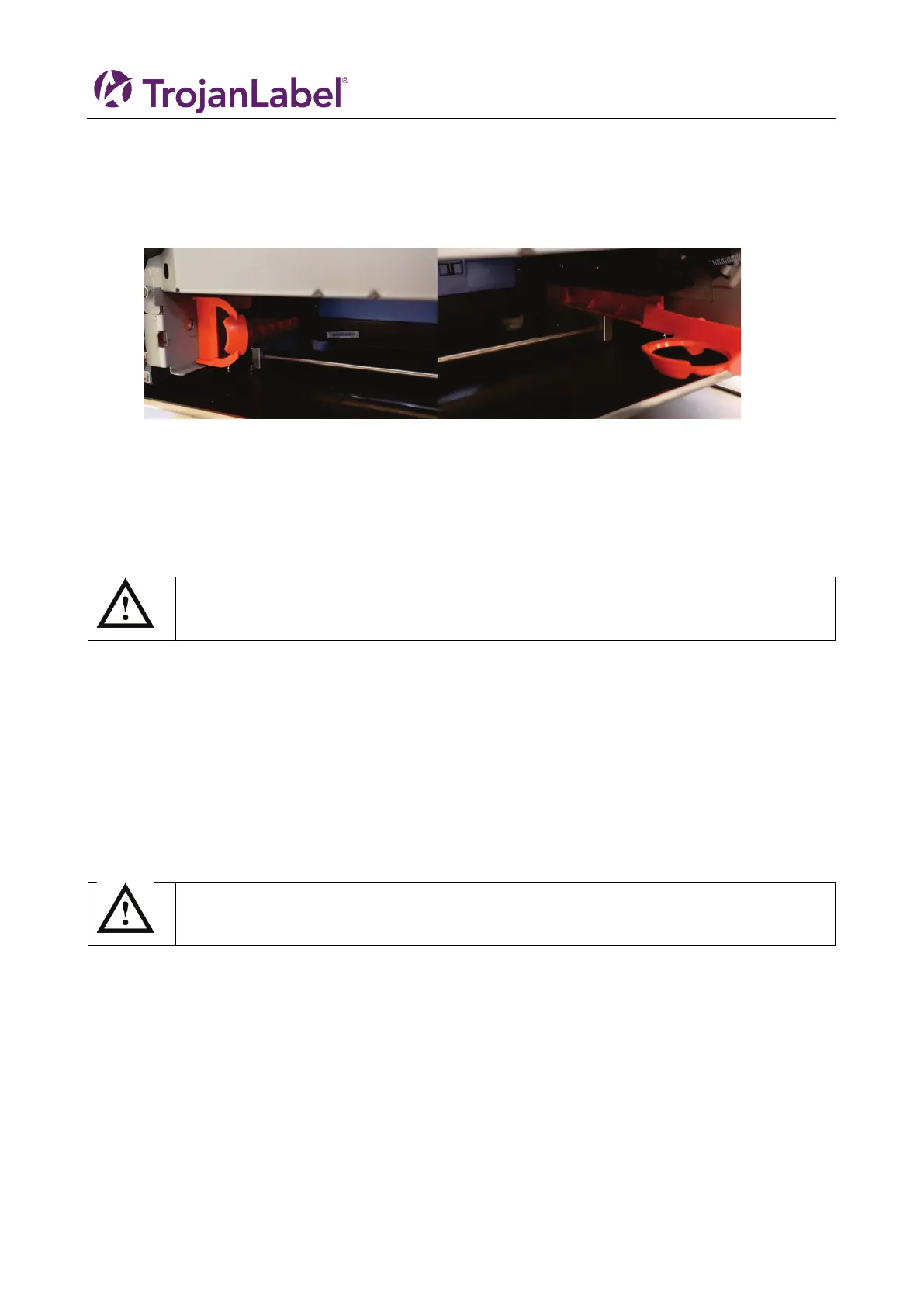
3.6 Remove service tray plastic protection
Remove the orange plastic protection, that ensures the service tray do not shift position during
transportation.
1. Open the service door
2. Remove the two plastic parts
3.7 Connect T3-OPX power supply cord and network cables
Prerequisites:
1 x power supply cord (with grounding)
1 x network cable
1. Connect the power supply cord to the printer power inlet
a. See 2.3 Inlets detail for location
2. Connect the power supply cord plug to the power source outlet (grounded wall or extension
cables)
3. Connect the network cable to the network inlet
3.8 Connect MT1/2 power supply cord
Prerequisites:
1 x power supply cord (with grounding)
1. Connect the power supply cord to the Mail Table power inlet
Always use the supplied power supply cord connected to a grounded power outlet.
Always use the supplied power supply cord connected to a grounded power outlet.



 To Next Page