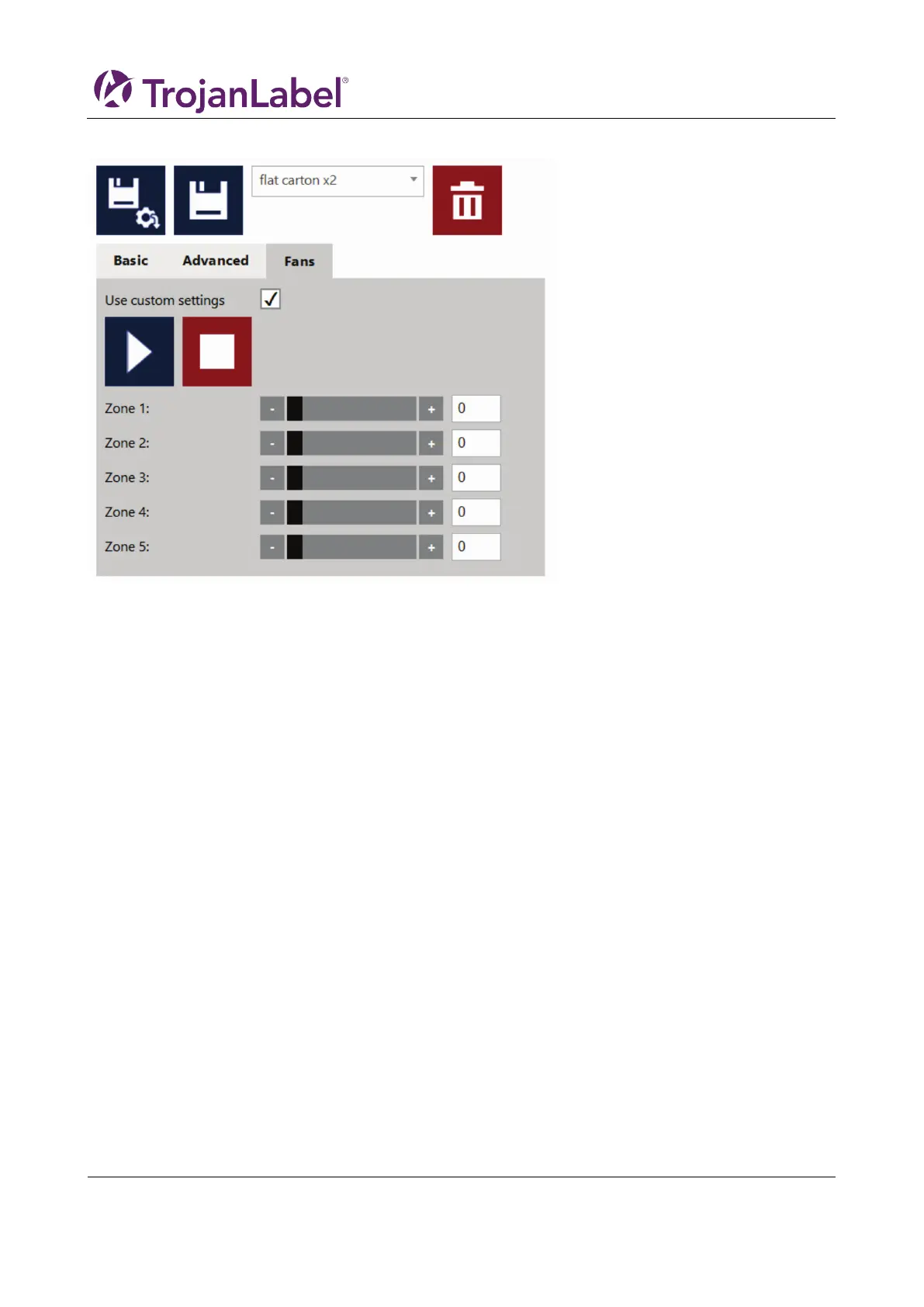
7.3.4 Fans tab
The general setting of the maul tables vacuum fans are managed in the ”Handling” menu, however these
settings can be overriden by checking the ”Use custom settings” box.
The start, stop and zone controls are not visible until the ”Use custom settings” box is checked. When it is
checked use the start and stop button to test the fan settings in Zone 1-5. These settings are then saved to
the media profile and used when printing with profile.
7.3.5 Setting up a media (job) profile in Media settings
Media profiles are the base of a print job. The media profile is the configuration of either a print job or/and
the media being print on, such as pre-setting the height of the media and where the artwork is positioned
on the media, i.e. the TOF (Top of form, i.e the distance from the leading edge of the media).



 To Next Page