5 Transferring print jobs to the T3-OPX using the Xitron RIP
This chapter will walk throuh the steps on how to transfer a job to the job library of the T3-OPX using the
Xitron RIP.
5.1 Starting the Xitron RIP Server
To transfer jobs using the Xitron RIP it is required that the RIP server is running. Note the server does not
have to run on the same PC as the client.
This can be done two ways on the RIP server PC:
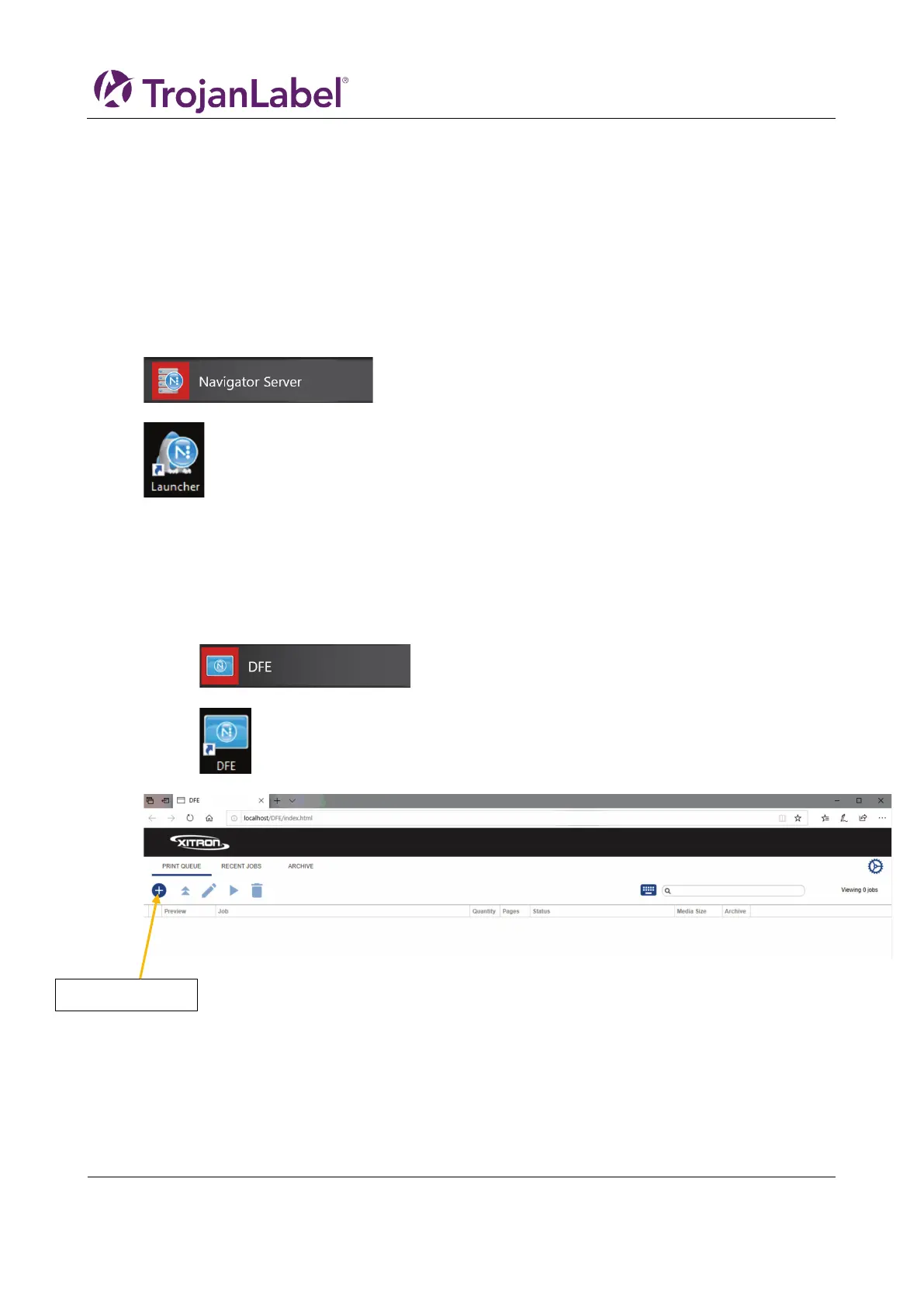
1. Click the start menu (), open Navigator, then click “Navigator Server”
2. Double click “Launcher”
5.2 Transferring a job from the web client
Recommended browser is “Google Chrome”.
1. Start the Navigator Digital Front End (DFE)
a. Click the start menu (), open Navigator, then click “DFE”
b. Or Double click “DFE” shortcut icon on the desktop
2. Locate and press the ”add job” button on the web interface.



 To Next Page