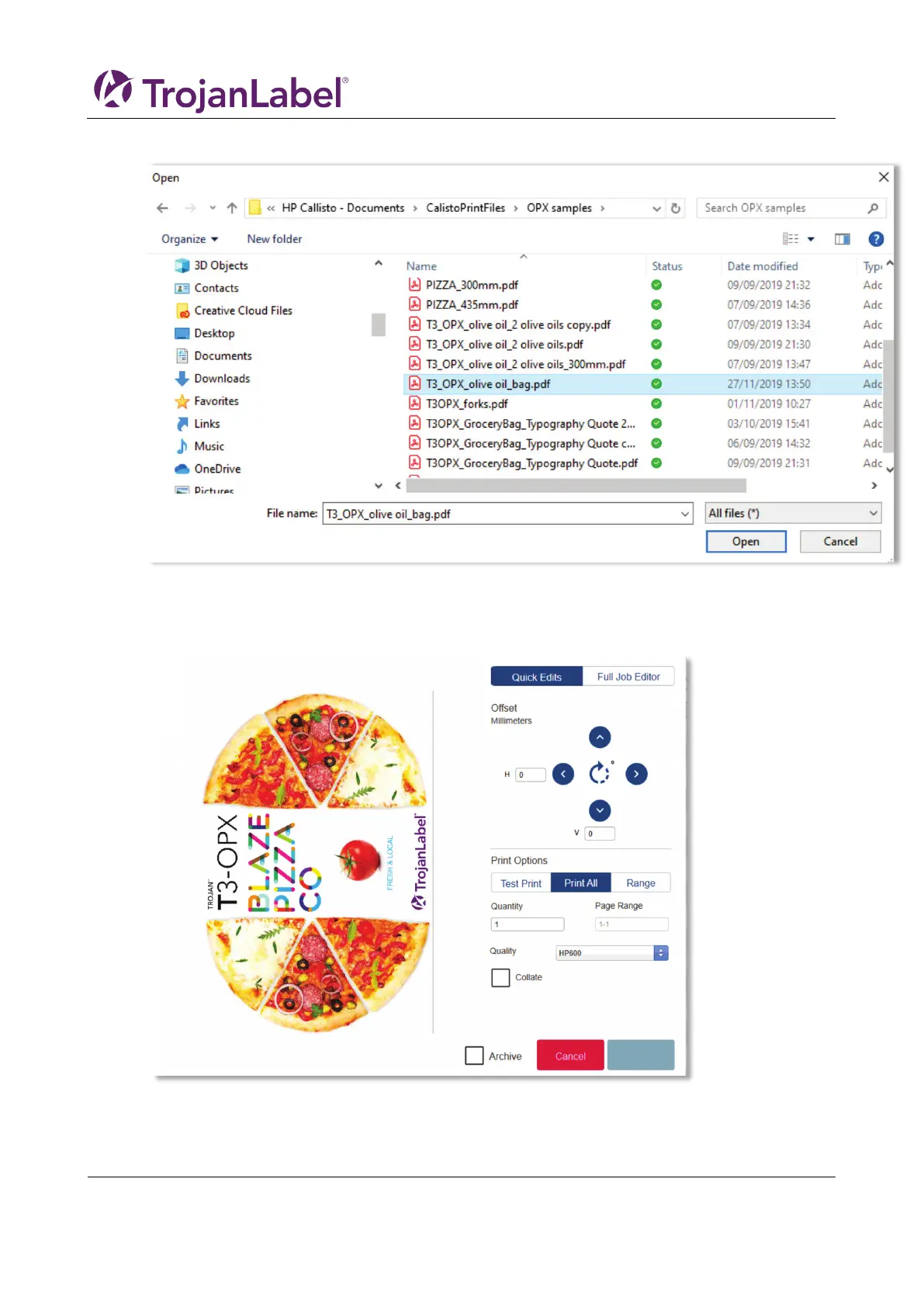
3. Navigate to your file in the pop-up window.
4. Select your file, then select the OPEN button. After the file is uploaded the QUICK EDITS screen is
opened. In this screen you can make various changes such as rotations, print range, collation, etc.
a. You can also select the FULL JOB EDITOR at the top right.
5. In the Full Job Editor screen you can do the same changes as the QUICK JOB EDITOR as well as
changing the Paper Profile, Overall Color Changes and Spot Color Adjustments. When you have



 To Next Page