11. Wait for the service tray to position it selves under the print head and confirm that the service tray
life is 100% (if the service tray is new).
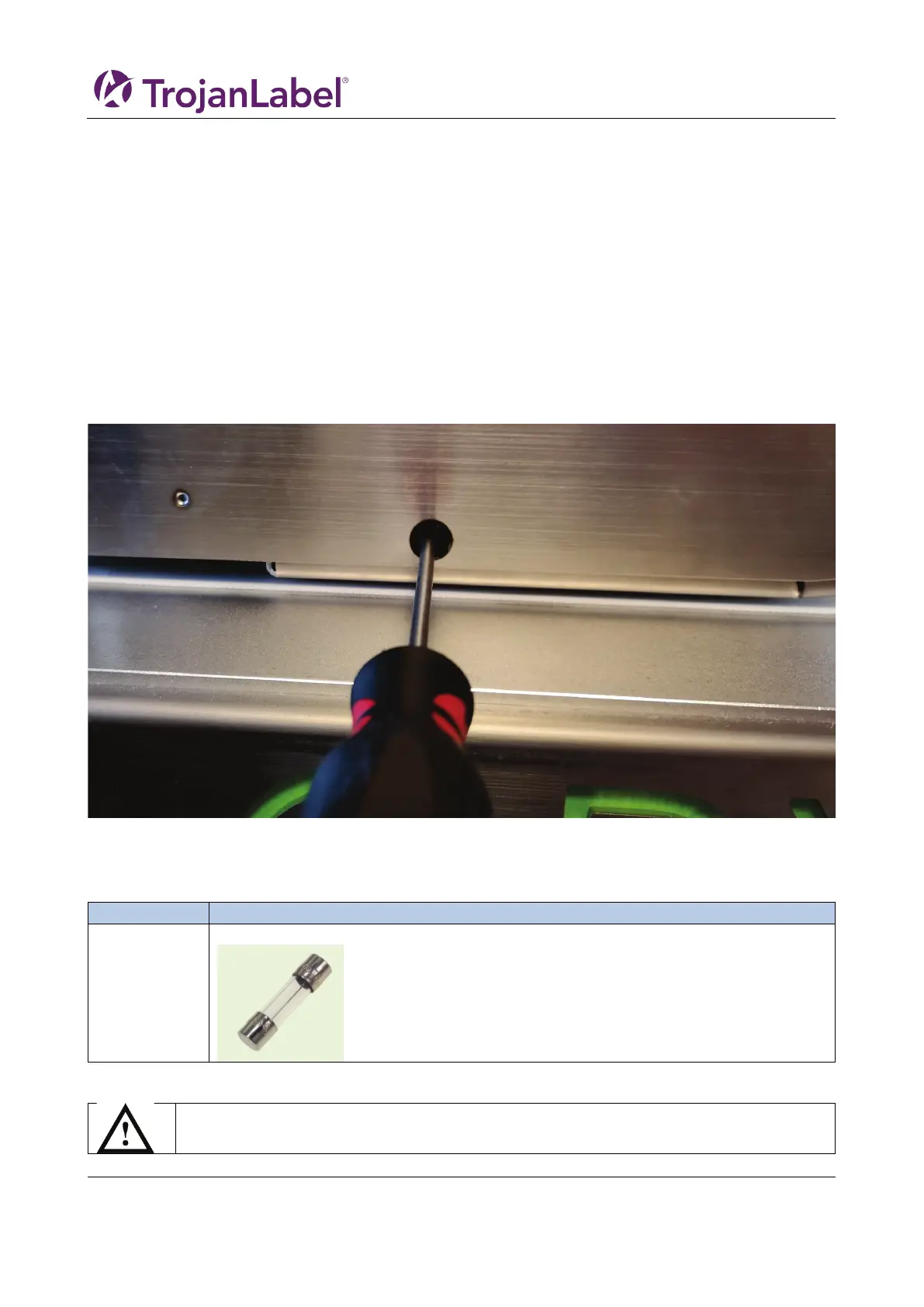
11.2.2 Moving the service tray manually
It is possible to move the service tray manually in both directions.
Requirements:
Torx T20 screwdriver
1. Go to the back side of the unit
2. There is a hole under the ink doors
3. Insert the Torx screwdriver and locate the service tray screw (should be straight in)
Warning: Moving the service tray will uncap the print head. So be careful with this operation.
11.3 Fuse power inlet
The fuse in the power inlet can be replaced by the operator
11.3.1 Fuse replacement process
1. Open the fuse lid on the power inlet carefully using a flat head screw driver.
Remove power cord cable before continuing



 To Next Page