a. Leave the optional Vacuum unit on.
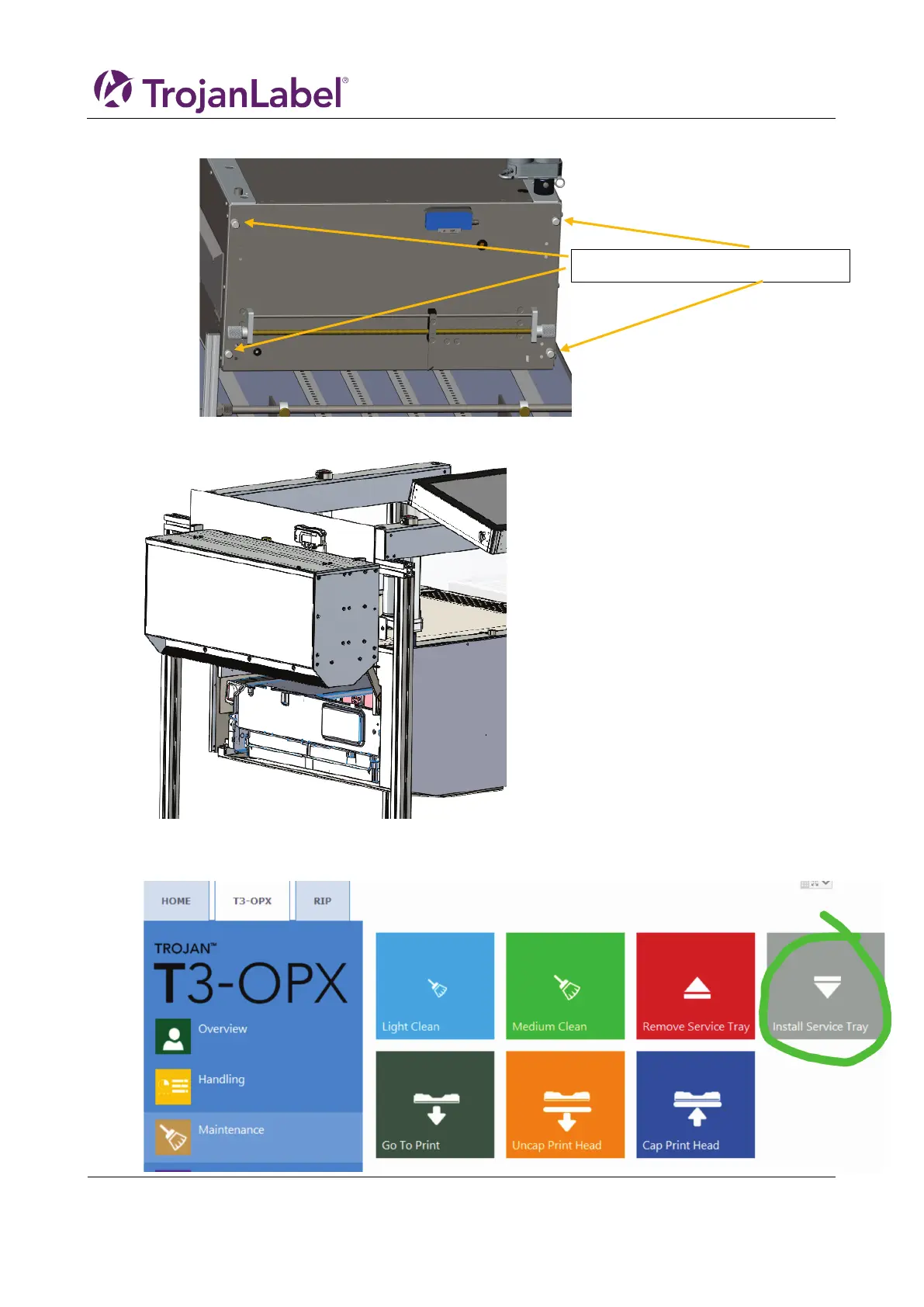
7. Lift up the Service door until it stops. The gas pumps will maintain the position
a. It can carry the weight of the optional Vacuum unit
8. Wait for the service tray to be pushed to the end
9. Pull the service tray out
10. Install the service tray, by pressing it back into position.Press install Service Tray



 To Next Page