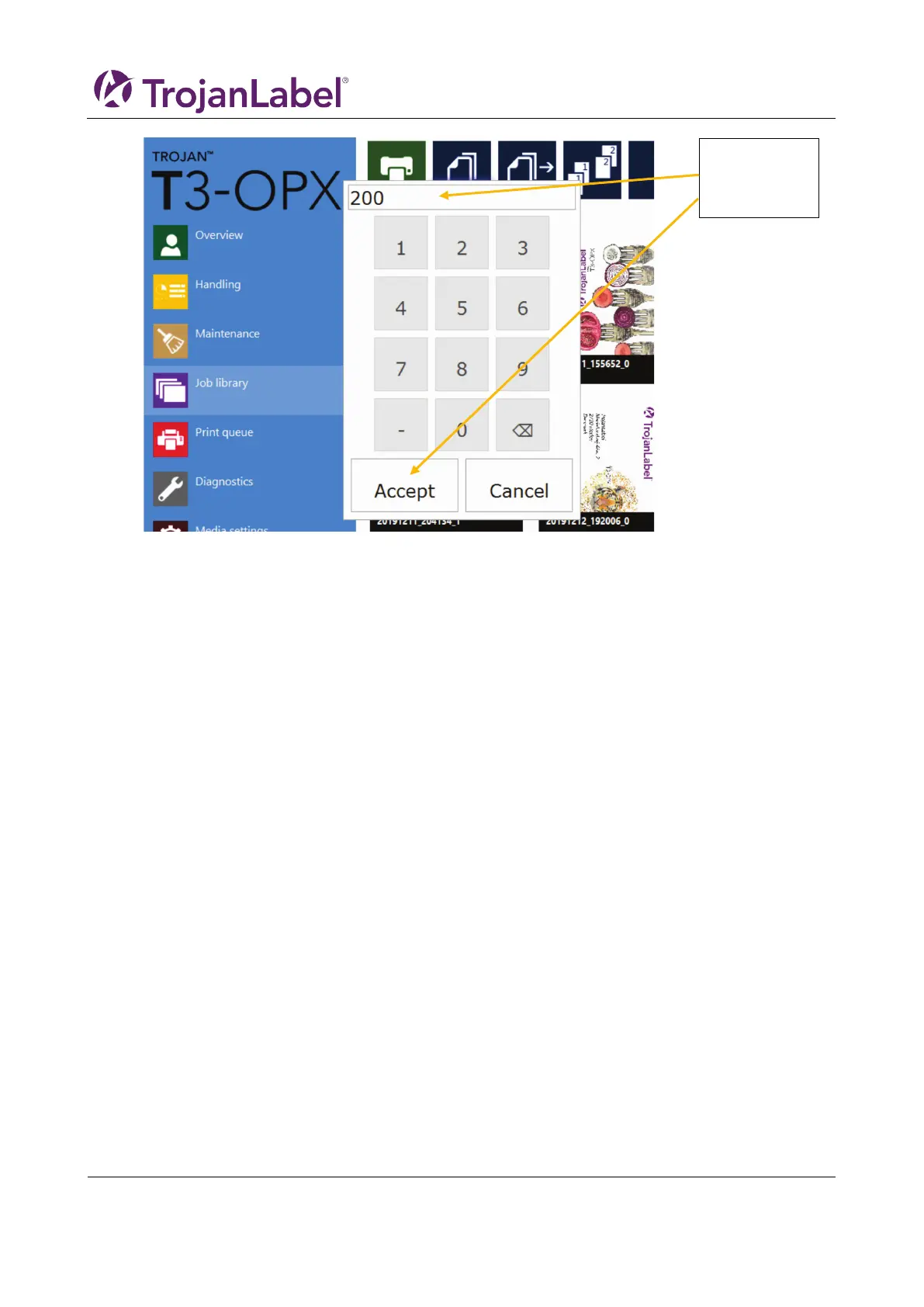
6. Press the green print button
7. Feed the media
This guide will start with the two most common menus that the operator will use when printing jobs:
Job Library and Media Settings.
7 Operations menu
Media profiles are the base of a print job. The media profile is the configuration of either a print job or/and
the media being print on, such as pre-setting the height of the media and where the artwork is positioned
on the media, i.e. the TOF (Top of form, i.e the distance from the leading edge of the media).
Media profiles are created in the media settings and one of the most powerful features is the automatic
height calibration. This chapter will explain how to create and manage media profiles.
7.1 Handling overview
The ”Handling” menu is used for moving the print unit up or down, moving the mail table and
adjusting/testing the vacuum fans when printing.
and press
Accepts



 To Next Page