5. Select “Apply nozzle alignment settings”
6. The process is complete
a. Remember to insert the value of 0 when restoring the alignment.
Note: The functionality involves updating the actual nozzle alignment within the print head, this means that
the feature requires a recalibration of the nozzle alignment every time and is therefore not a part of the
Media Profile (in media settings). Consequently, adjusting the die-to-die overlap will affect all media
profiles.
10 Edge sensor (TOF control)
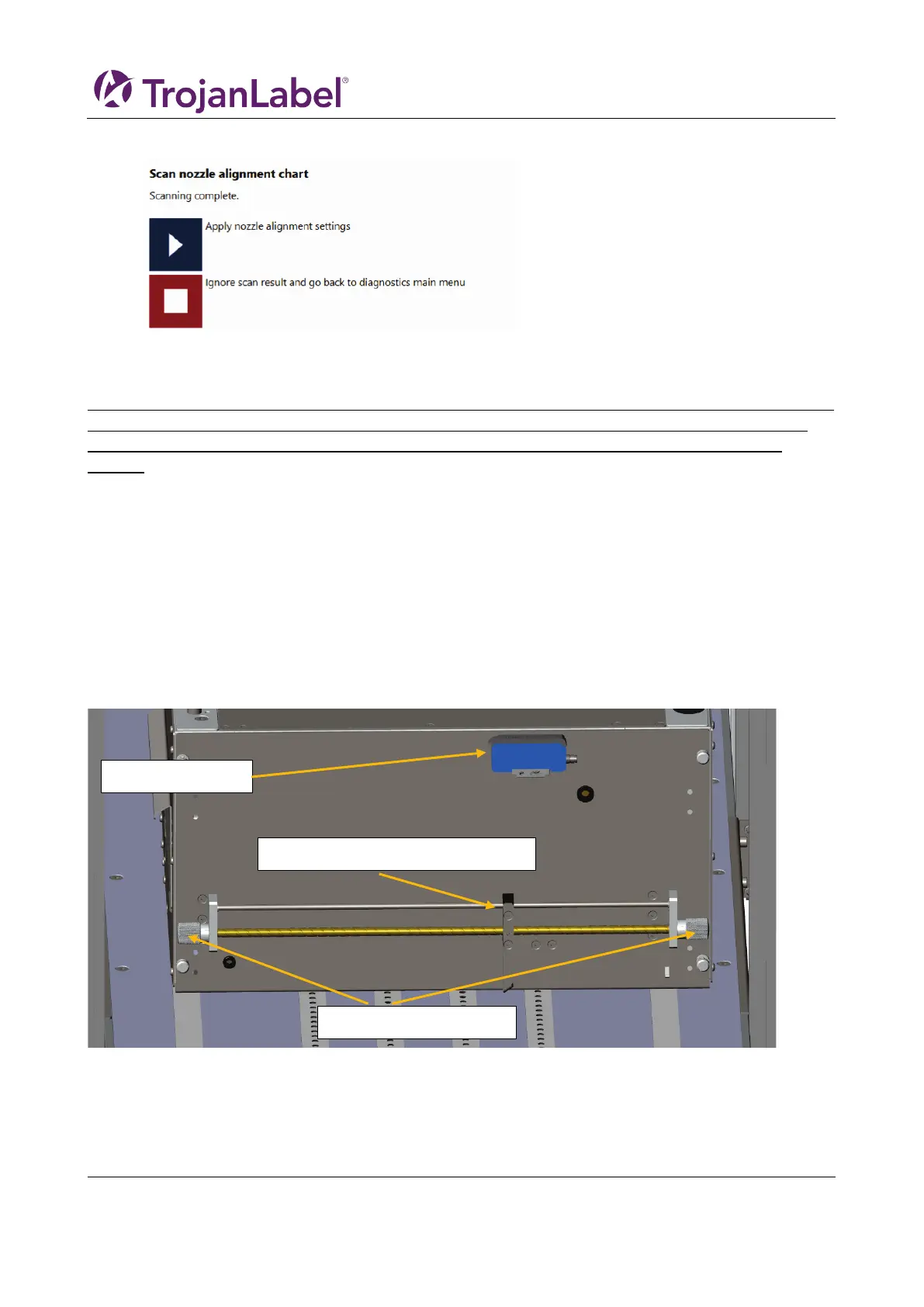
The edge sensor is used to detect the edge of the material moving under the print unit.
The edge sensor can be moved by twisting the knobs on each side of the rod. The sensor can be moved
across the width of the print unit, but DO NOT place the sensor over a belt, as this will interfere with the
edge registrations.
Edge sensor reflective light emitter



 To Next Page