EasyManua.ls Logo

TrojanLabel Trojan 2 - User Manual

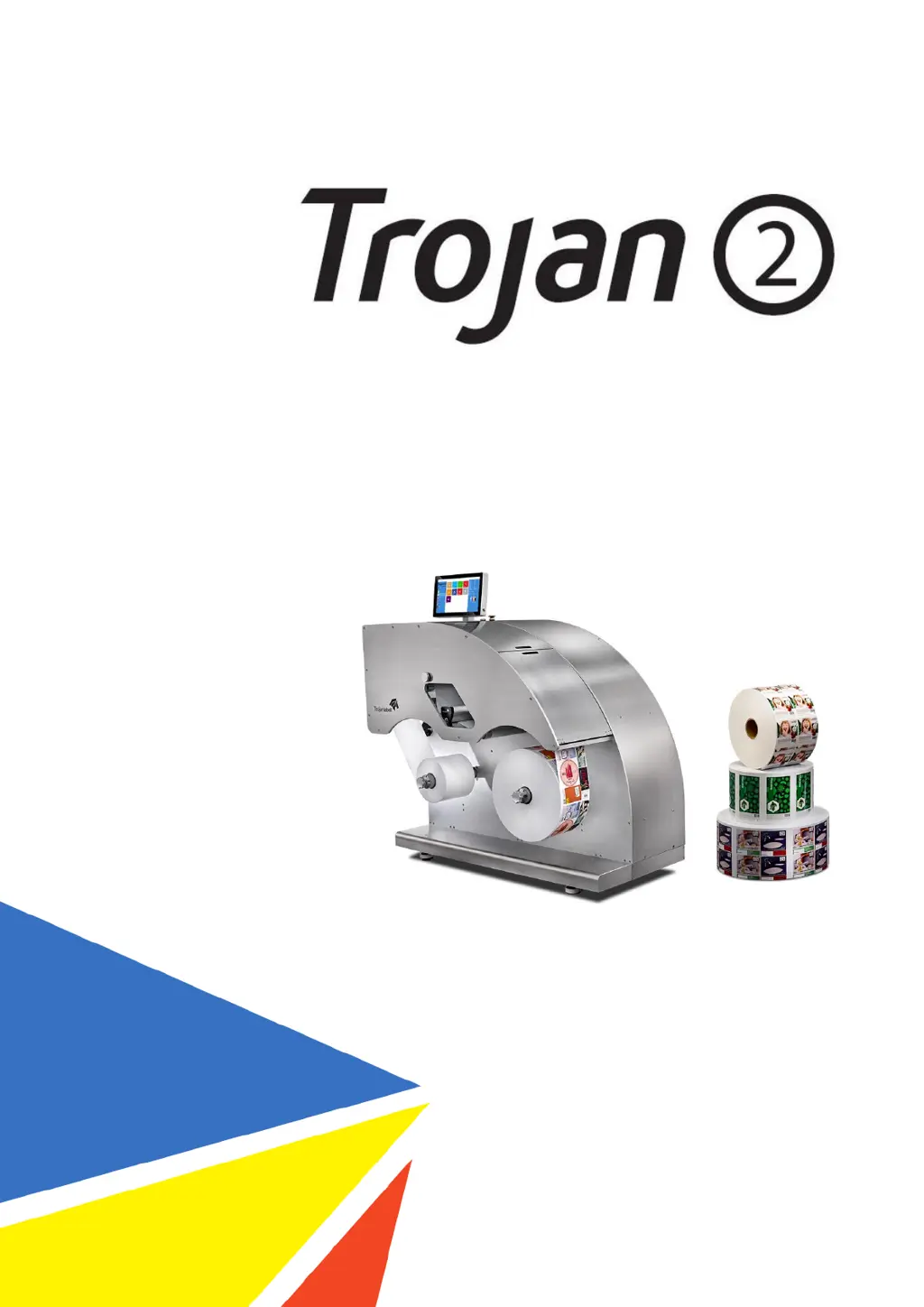
TrojanLabel Trojan 2
94 pages
Print Icon
To Next Page IconTo Next Page
Loading...
User Guide
Version 3.8

Table of Contents

Questions and Answers

Summary

Certificate of Compliance and Safety Information

Introduction

Original instructions for the Trojanlabel press, covering purpose, accessibility, and knowledge requirements for operators.

General Information

Details about the manufacturer, machine designation, and specifications on the machine's data plate.

Overview and Application

Describes machine components, intended use for printing labels, and warnings against foreseeable misuse.

Setting Up the TrojanTwo

Moving and Physical Setup

Guidance on moving the machine using wheels and ensuring stable, level placement.

Cabling (Network and Power)

Instructions for connecting power and Ethernet cables for operation and network connectivity.

Power On

Visible Safety Check

Pre-power on inspection to ensure no foreign objects interfere with the print engine or web path.

Power On Process

Step-by-step guide on powering on, initializing the web path, and confirming operational status.

Installing Ink Tanks and Printhead

Procedures for installing ink tanks and the printhead cartridge, including unpacking and handling.

Threading the Machine

Unwinder and Rewinder Roll Direction

Instructions for correctly orienting label rolls on the unwinder and rewinder based on coating side.

Threading from Scratch

Step-by-step guide to threading the machine with new material, including sensor adjustments.

Threading Using the Currently Threaded Material

Procedure for splicing existing material onto a new roll using a splicing table and tape.

Adjusting Label Edge Sensor

Details on how to align the label edge sensor for optimal roll-up performance and alignment.

Calibrate the Web Path (Paper)

Calibrate the Web Path (Paper)

Procedure to calibrate the machine's web path, ensuring correct media handling and readiness for printing.

Select and Queue Print;Start Job

Select and Queue Print;Start Job

Steps for selecting jobs, setting copies, and initiating the print queue from the job library.

Pause, Resume or Stop Print Job

Pause, Resume or Stop Print Job

Instructions on managing print jobs by pausing, resuming, or stopping them via the interface.

Moving the Web

Moving the Web

How to move the label web backward and forward at different speeds using the handling menu.

Changing Label Material

Changing Label Material

Reference to the procedure for threading the machine, detailed in Chapter 4.

Printing Modes

Continuous Printing Mode

How to select continuous mode, its characteristics, and gap settings.

Diecut Printing Mode

How to select diecut mode, its characteristics, and sensor calibration.

Blackmark Printing Mode

How to select blackmark mode, its characteristics, and sensor calibration.

Gap Size and Speeds

Recommended minimum gap sizes based on print speed for optimal performance.

Shutting Down the TrojanTwo Press

Shutting Down the TrojanTwo Press

Procedure for safely shutting down the machine, including the controller and power supply.

Driver Installation and Features

Driver Installation

Steps to install the TrojanTwo printer driver on a PC, including license agreement and network setup.

Driver Features and Functions

Overview of the driver's capabilities, including orientation, media settings, color selection, and page management.

Software Features

Right Status Bar

Explanation of status bar indicators and their meanings, such as system state, error state, and ink levels.

General Settings (HOME Menu)

Navigation and configuration options within the HOME menu, including Overview, Settings, Statistics, and Shutdown.

TrojanTwo Handling (TrojanTwo Tab)

Comprehensive features within the TrojanTwo tab, covering handling, maintenance, job management, and media settings.

Updating Software and Firmware

Updating via Online Updater

Process for updating software and firmware over the internet using the online updater.

Updating via Offline Updater

Method for updating software and firmware using an offline package downloaded from the extranet.

Maintenance

Regular Cleaning;Checking Tasks

Procedures for cleaning the machine's rollers, including the NIP roller and other rollers.

Emptying Waste Ink Bottle

How to safely empty the waste ink bottle, noting hazardous waste considerations.

Replacing the Wiper Roller

Step-by-step guide on replacing the worn wiper roller, including required equipment.

Manual Printhead Wiping

Instructions for performing manual printhead wiping to clean nozzles and maintain print quality.

Trouble Shooting

Error States

A comprehensive list of web status display errors, their causes, and troubleshooting steps or contact information.

Error Messages on Screen

Explanation of common error messages that appear on the screen and their troubleshooting.

Firmware Update Failure

Guidance on resolving issues that occur during firmware updates, including recovery steps.

Slitter for the TrojanTwo

Purpose

Description of the slitter option, its functionality with die-cut labels, and its blades.

Safety Labels

Information on applying warning labels related to oscillating blades when the slitter is installed.

Replacing Blades

Procedure for replacing the slitter blades, including safety precautions and steps.

Software Settings and Usage

How to enable and configure the slitter function within the TrojanTwo user interface.

TrojanLabel Trojan 2 Specifications

General IconGeneral
Print TechnologyInkjet
Print LengthUnlimited
ConnectivityEthernet, USB
Operating System CompatibilityWindows
Max Print Speed12 inches/second
Ink TypeSolvent

Related product manuals