TrojanTwo User Guide v3.8
16.3 Firmware update failure
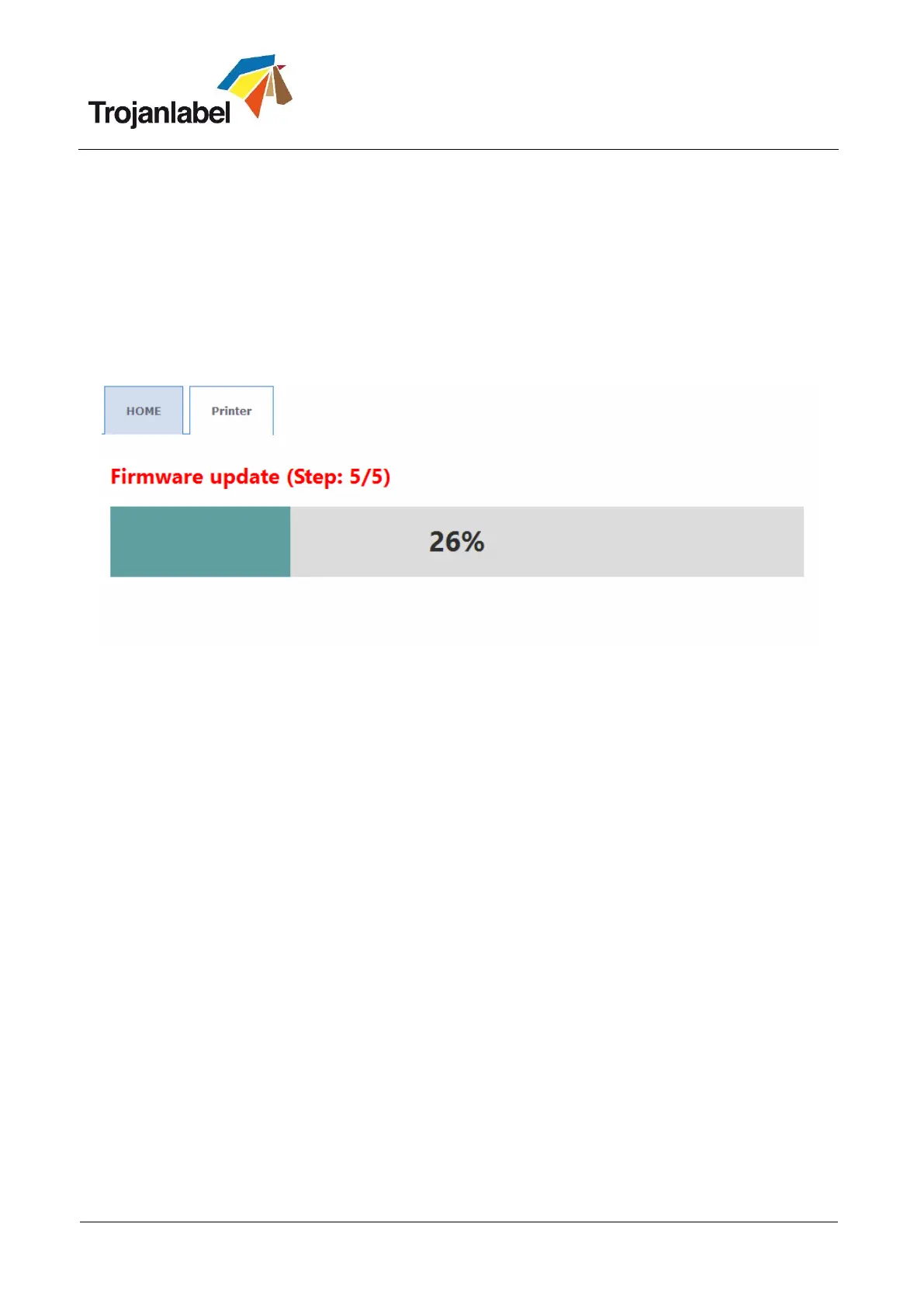
If an error happens during the FW update process, the text color changes to red to indicate error state.
The progress bar might still show progress and counter but the update process will not be successful.
To resolve the issue and finish the firmware update, please shutdown the full system and start again.
After the reboot (power on), the emergency restore process will take over and try to finish the update
(there is no visual feedback about this). When second update attempt is finished, it will automatically
restart the system which should be up to date after the restart and printer (TrojanTwo) tab will appear on
screen.
If for some reason the second recovery attempt fails, please contact Trojanlabel support
Firmware update text changed to red.



 To Next Page