TrojanTwo User Guide v3.8
5. Press Install Maintenance Module button at TrojanTwo -> Maintenance menu to move
maintenance tray back into the proper position.
15.3 Manual printhead wiping
The manual printhead wipe has 3 functions, these are:
Cleans printhead nozzle surface from waste ink, dust, debris, particles.
Prevents dehydration of the printhead nozzles.
Forms a wet film layer on the printhead nozzle surface thus creates some vacuum and help to
prevent air bubbles blocking some nozzles.
It is advised to perform a manual printhead wipe at least once a week.
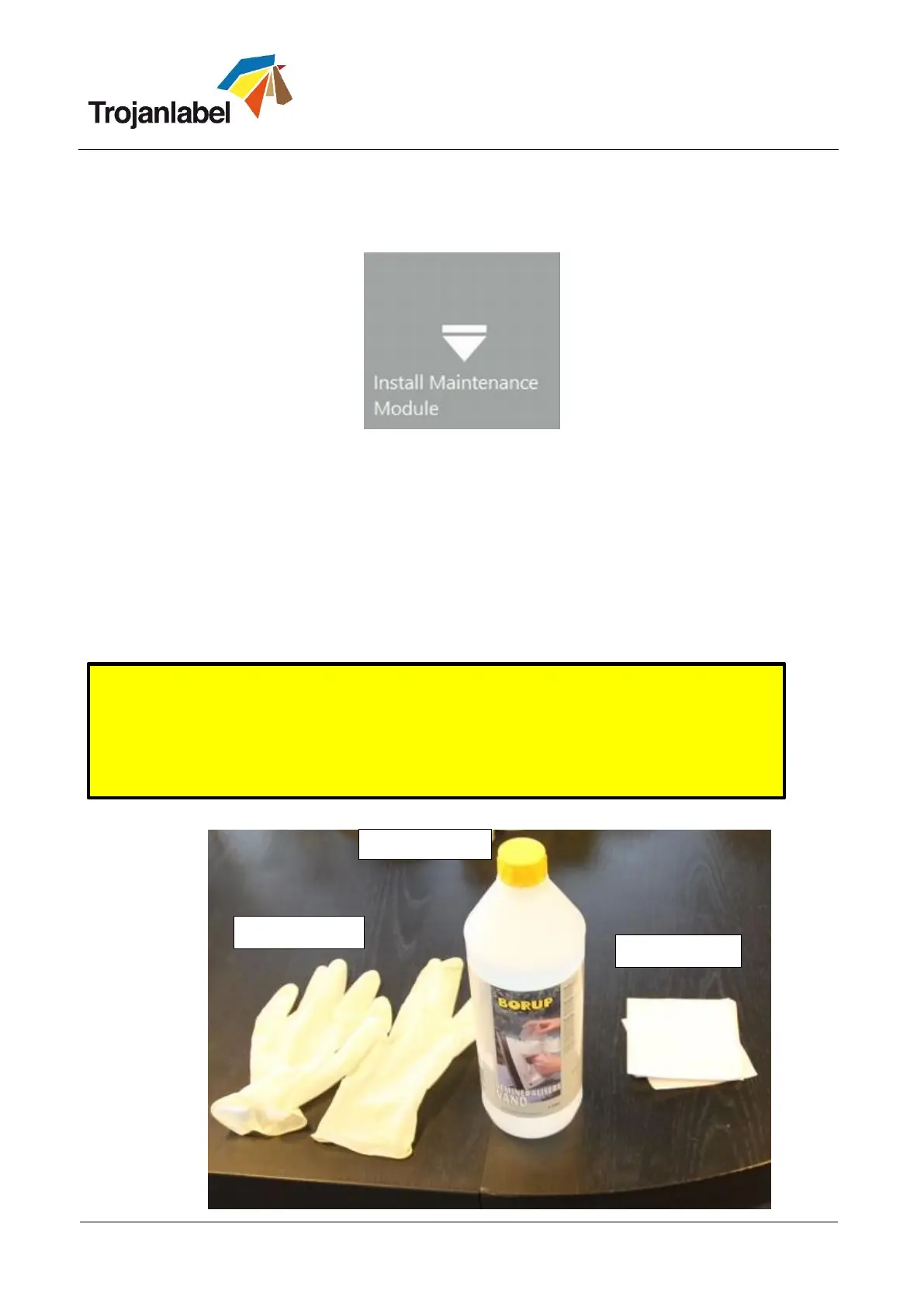
Required equipment:
WARNING!
Only use Distilled or De-Ionized Water for cleaning the printhead!
Never use any chemicals or alcohol for cleaning/wiping the printhead!
Chemicals and alcohol are damaging the printhead nozzles.



 To Next Page