TrojanTwo User Guide v3.8
15.2 Replacing the wiper roller
The wiper roller (microfiber roller) is a wear and tear part and needs to be replaced as it wears down.
It is advised to change the wiper roller at least after every 6 months.
Signs that the wiper roller might needs replacement:
If surface of the wiper roller looks shiny and not ‘fluffy’ anymore, then wiper roller is worn down
and needs replacement.
If printhead wiping routines (like wipe printhead or light/medium/heavy clean) do not improve
print quality and fine streak(s) remain on the printouts after the routines multiple times.
If ink puddles remain on the printhead surface after the wiper roller wiped.
T2 Wiper Roller Gen 2 (Micro Fibre Roller)
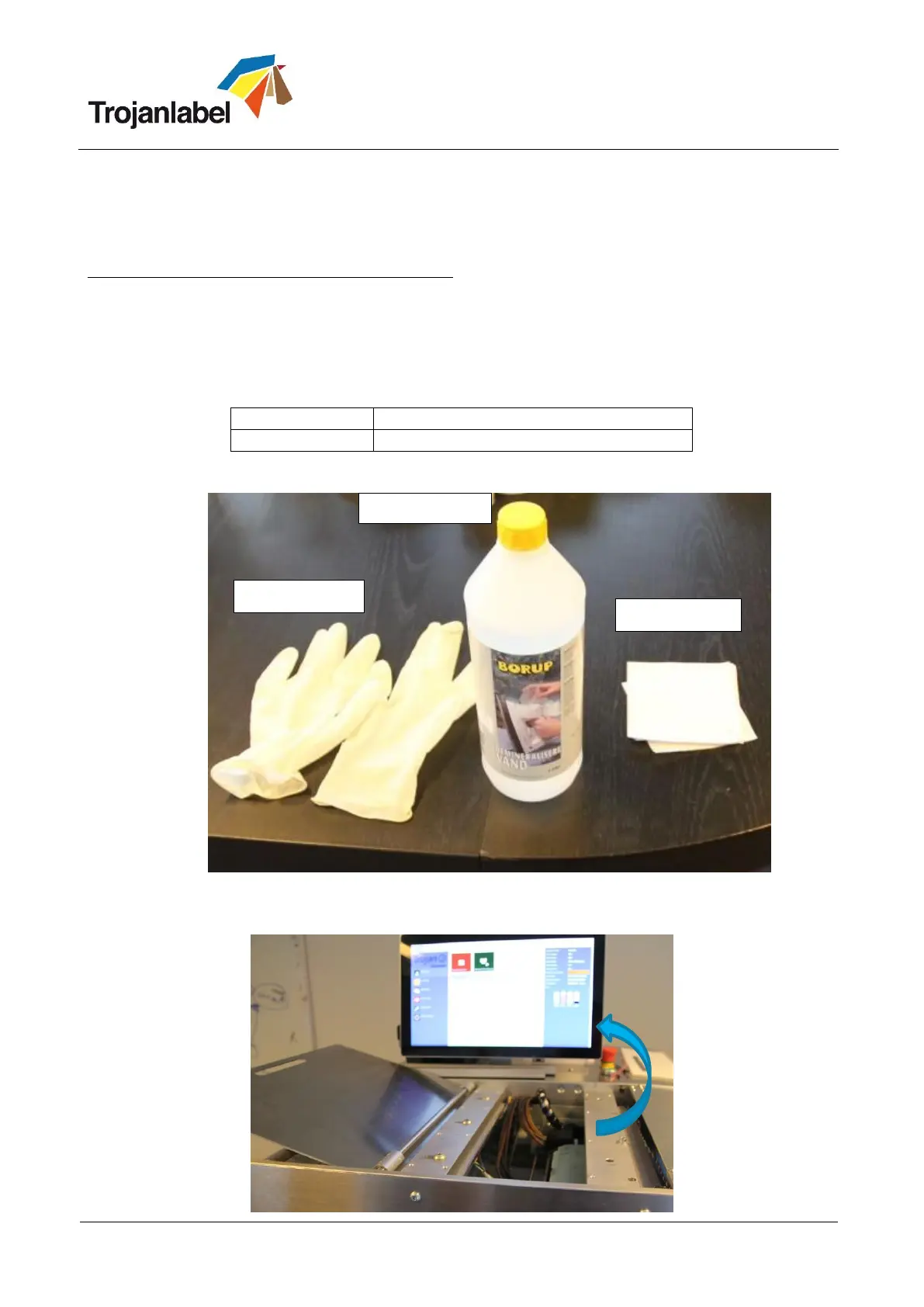
Required equipment:
Replacing the wiper roller:
1. Open top cover on machine:



 To Next Page