TrojanTwo User Guide v3.8
4.4 Adjusting Label Edge Sensor
The label edge sensor is for adjusting the left edge of the label web physically throughout the whole
paperpath for the best rollup performance.
Adjusting the sensor can be done manually by physically moving the sensor and has immediate effect
on the label web’s position.
As a starting position for the sensor beam it is advised to align the sensor to the left edge of the
printhead (99mm from the wall) as Zero position.
Further adjustments can be done even during printing as if needed.
Adjusting method:
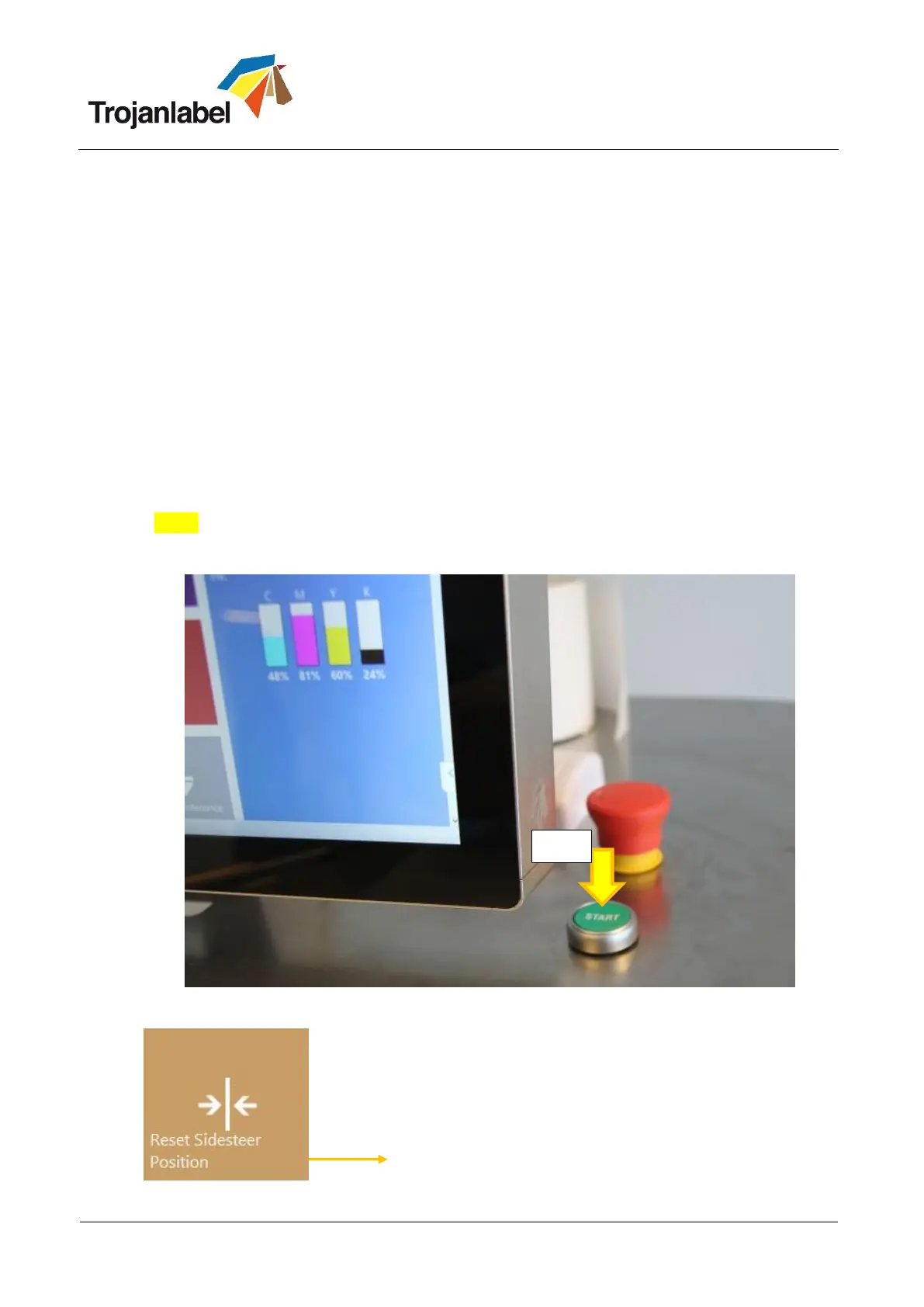
1. Setting the unwinder core to default position.
When the TrojanTwo is starting up, the unwinder core is automatically sets to the default position
when pressing the ‘Start’ button.
When the TrojanTwo is already up and running, press ‘Reset Sidesteer Position’ button at
TrojanTwo\Handling menu to set the unwinder core back to default position:
NOTE: This function is only active when the web state is ‘Not Calibrated’, otherwise the button is
grey and cannot be pressed.
Start button
Reset Sidesteer Position button (TrojanTwo -> Handling menu)



 To Next Page