TrojanTwo User Guide v3.8
4.1.2 Rolling direction rewinder
The rewinder can place the label material on the outside or inside of the roll. The criteria are the same as
for the unwinder, please refer to the above for placement and direction and update the Media settings to
reflect this.
4.2 Threading from scratch
1 Press ‘Reload Web’ button at TrojanTwo -> Handling menu.
2 Remove the web cleaner (it is sitting on magnets and can be removed easily).
3 Place the chosen material on the unwinder roll according to chapter 4.1.1.
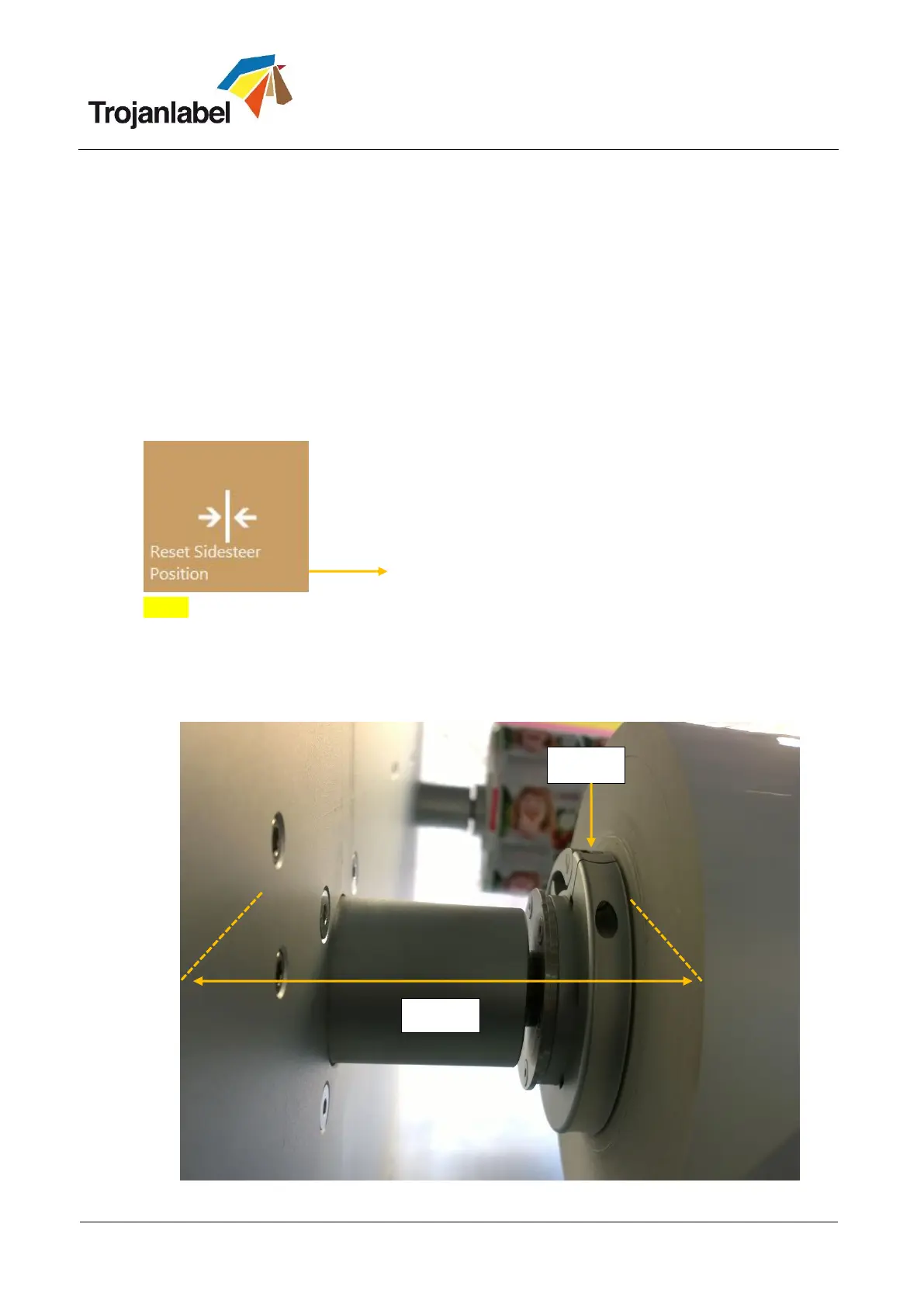
4 Press ‘Reset Sidesteer Position’ button at TrojanTwo -> Handling menu to set unwinder core
horizontal position to the default position.
Reset Sidesteer Position button (TrojanTwo\Handling menu)
NOTE: Reset Sidesteer Position button is recommended to use every time after Reload Web button
is pressed.
5 Adjust Label roll left edge on unwinder core compared to the wall behind (for label edge sensor
zero point calibration, see section 4.4). Make sure the label roll left edge is 99 mm from the wall.
Use the metric scale on the magnet bar or a ruler for measuring the 99 mm.



 To Next Page