TrojanTwo User Guide v3.8
Manual wiping process:
1. Open cover on TrojanTwo press to gain access to the print engine.
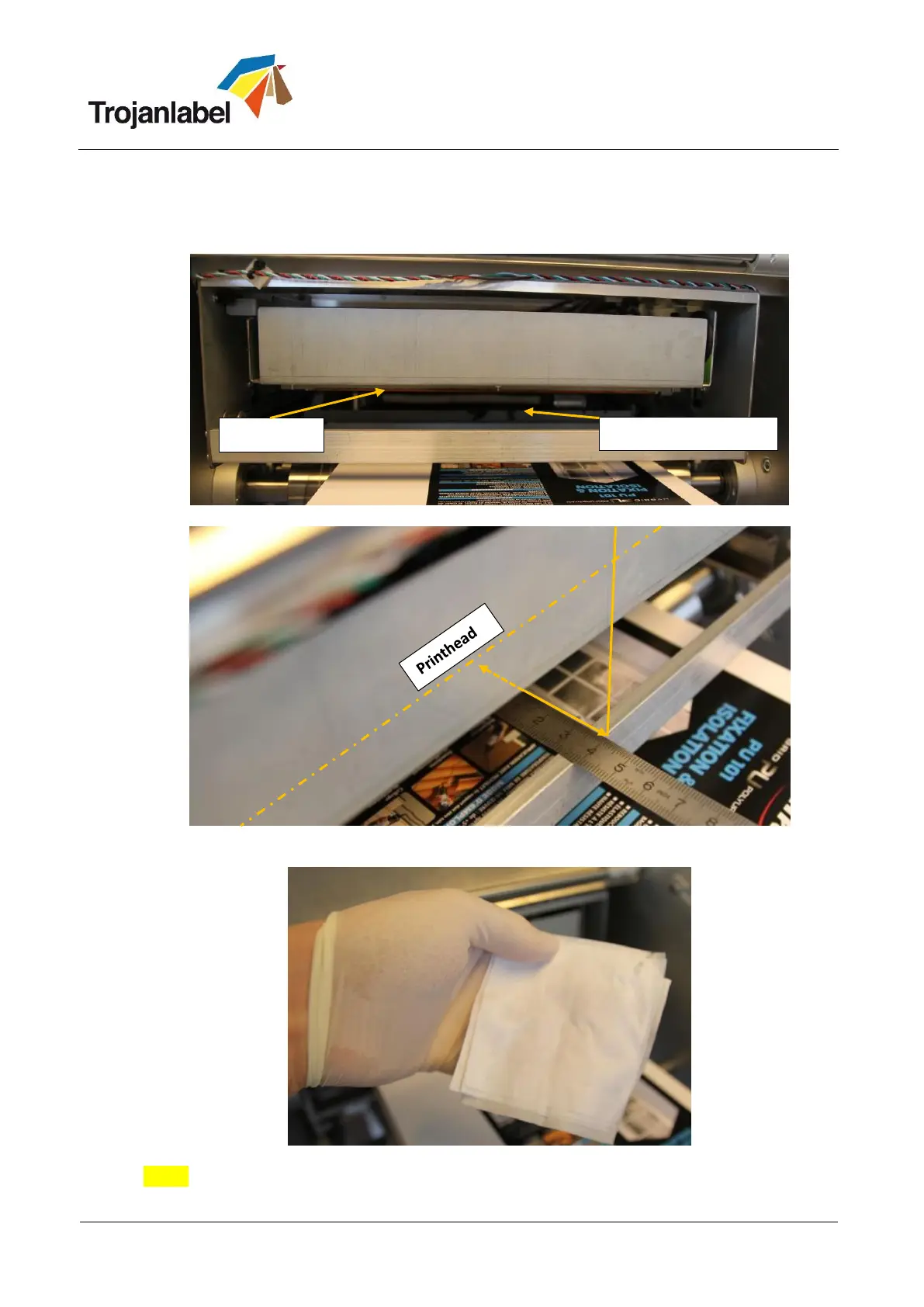
2. Press Home Maintenance Module button in TrojanTwo -> Handling menu to gain access to
printhead from below:
Maintenance module in home position.
The printhead is situated 40mm from the edge of the print engine.
3. Use Distilled water and make a piece of lint-free cloth wet:
Wet lint-free cloth
NOTE: USE LINT-FREE CLOTH ONLY! As lose fibers can block printhead nozzles from other
materials.



 To Next Page