4.5 Exporting statistics data to a CSV file/ viewing statistics from a browser
Statistics data from HOME -> Statistics menu can be exported and saved into a CSV file from a user PC
which is connected to the same network as the T3-OPX.
• Actual IP address of the T3-OPX can be set or acquired at/from HOME -> Settings -> Network menu
Current IP address displayed at HOME -> Settings -> Network menu
NOTE: IP address on screenshot above is an example only. Actual IP address is local network
dependent and can always be checked at HOME -> Settings -> Network menu.
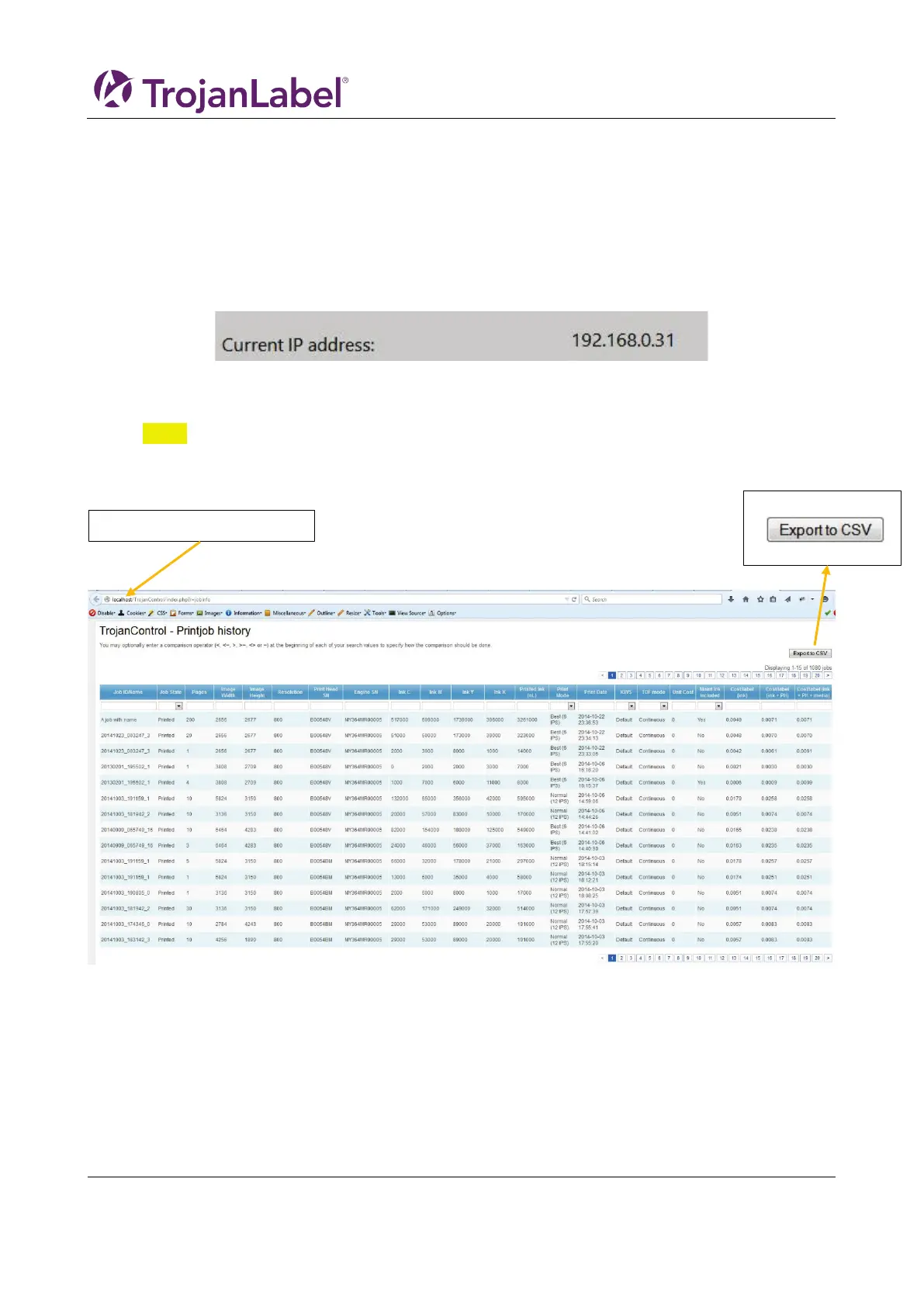
• Type the actual IP address of the T3-OPX into a browser at a user PC:
Exporting statistics page
• Press ‘Export to CSV’ button on page to save the statistics into a CSV file.
Type actual IP address here



 To Next Page