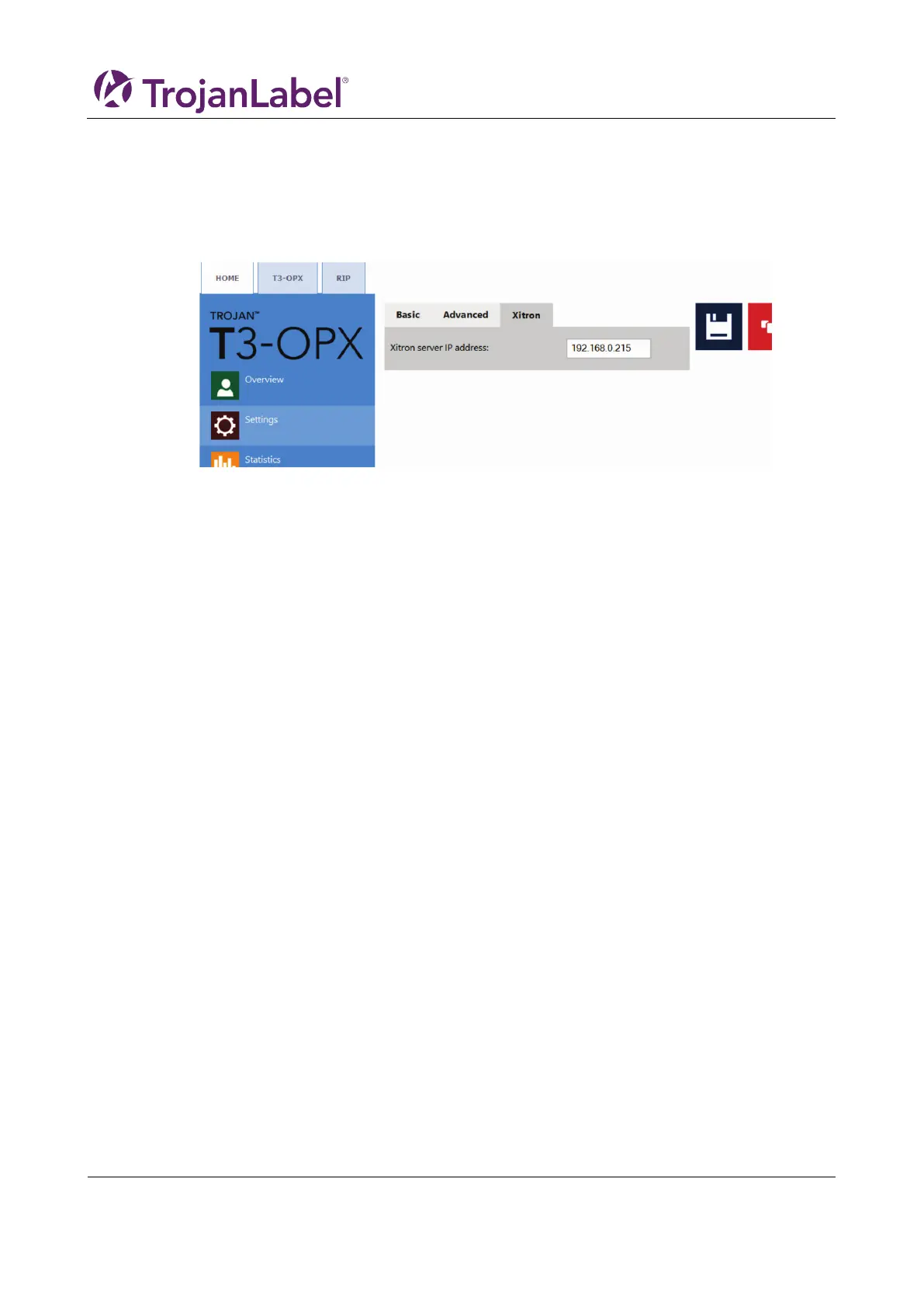
2. Enable the RIP client tab
Process:
1. Go to HOME -> Settings -> Network
2. Click on the Xitron tab
a. Insert the IP address of the RIP server
12.2 Installing just the client
To install just a client on a PC in the same network as the RIP server and printer, run the following file:
1. NavigatorHHRClientInstaller.exe



 To Next Page