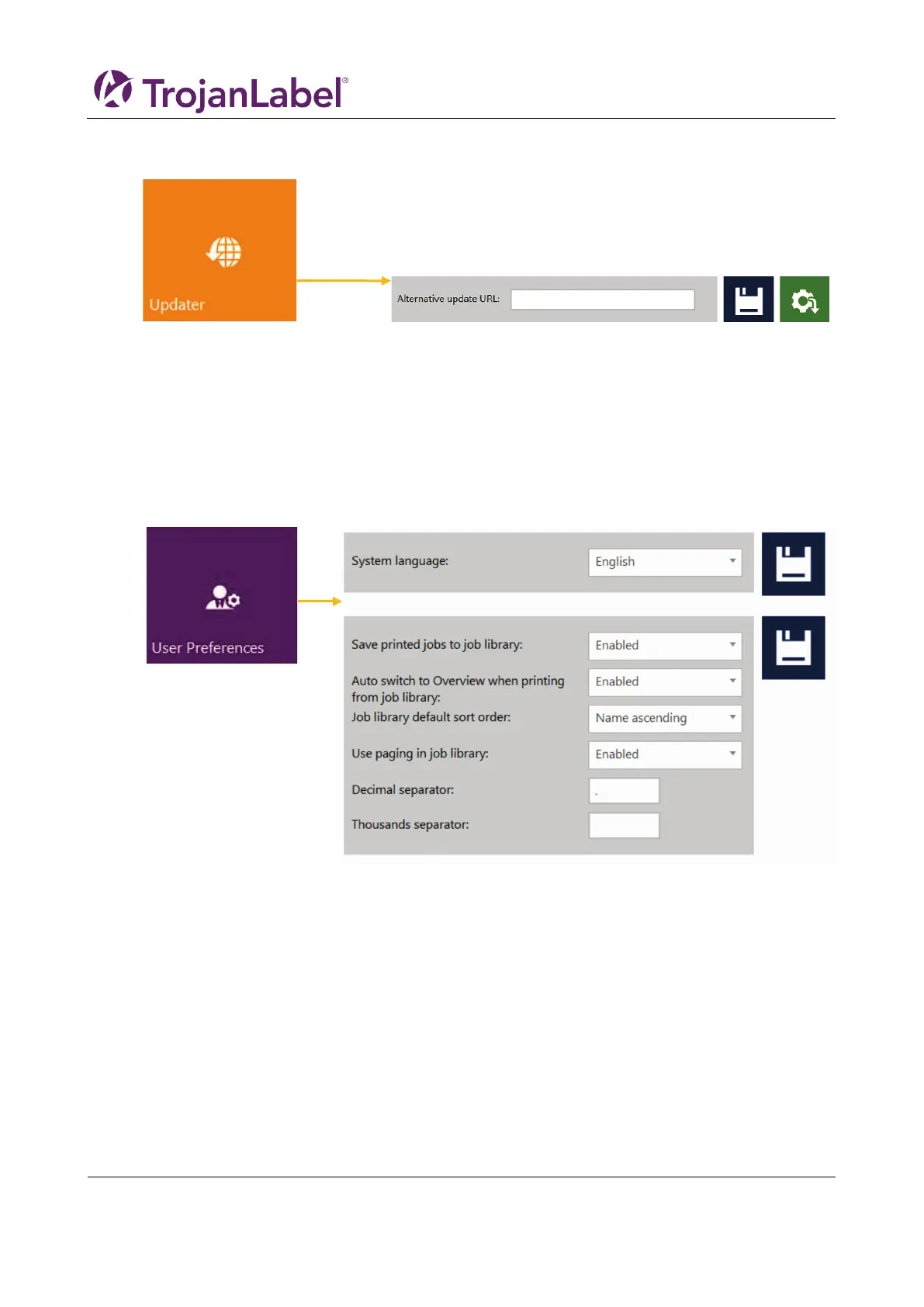
4.2.3 Updater Button
• By default for system updates the ’Alternative update URL’ field has to be empty (see chapter
12 for update process via auto updater or via Alternative update URL for offline updating).
• Press green ‘Download’ button to download updates if available (each time when a new update
is available a newsletter is released by Trojanlabel).
• Every time when change a setting use the blue ‘Save’ button to save the changes.
4.2.4 User Preferences Button
• System language: Select the desired language from the list.
Press blue ‘Save’ button next to scroll-down menu to apply selected language.
• Save printed jobs to job library:
Enabled: The print job is stored and available for reprinting from the job library.
Disabled: The print jobs sent after disabling this option are not stored in the job library, however
jobs that already been in the library will remain and be available for printing.
• Auto switch to Overview when printing from job library:
Enabled: When printing from the job library the screen switches to overview mode.
Disabled: When printing from the job library the screen remains in job library view.
• Use paging in job library:
Enabled: Enables paging with finger swipe and with scroll bar in Job Library.
Disabled: Disables swiping and scroll bar in Job Library.
• Decimal separator: User can define separator for displaying decimals in the user interface.



 To Next Page