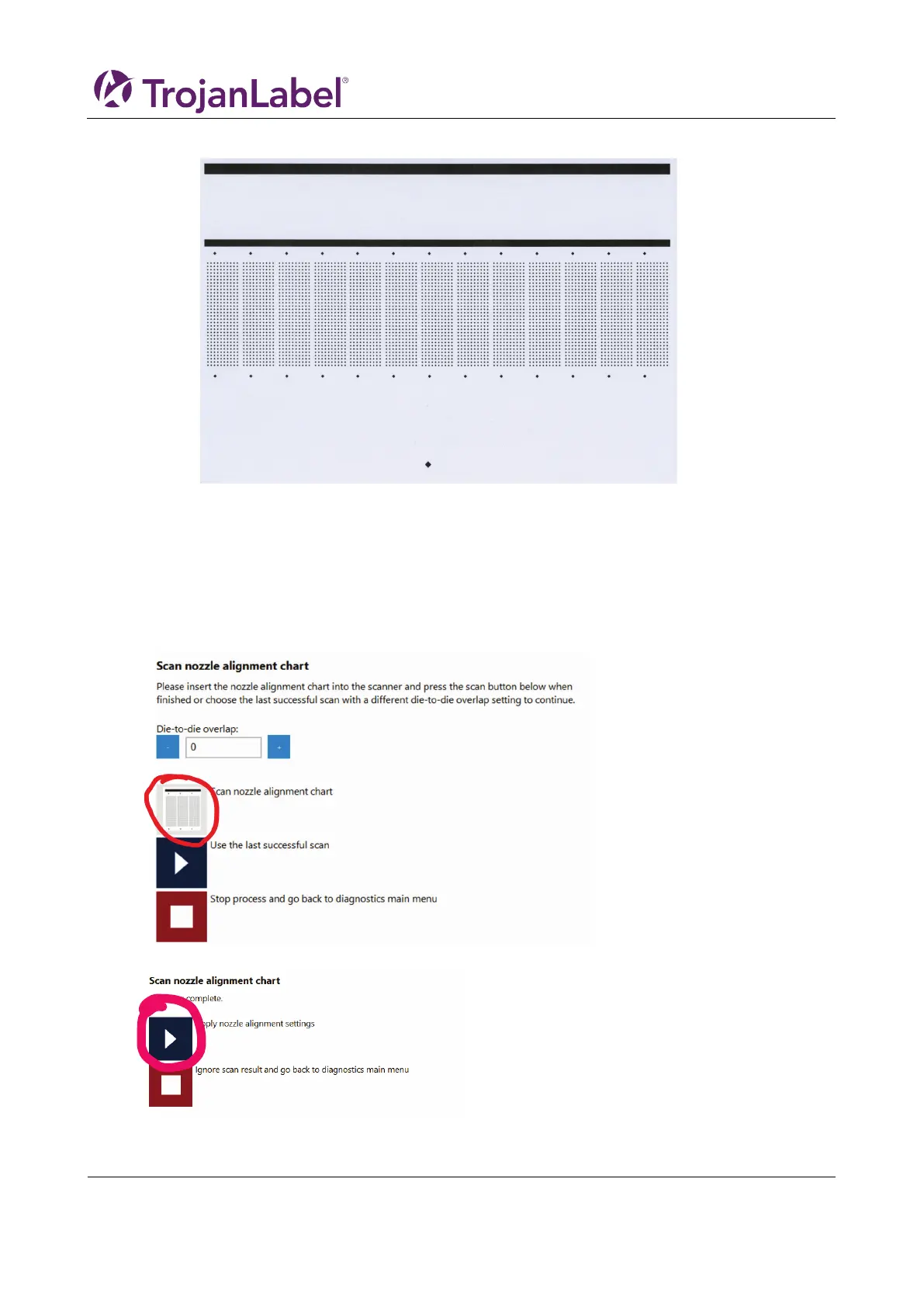
a. If the print looks good, which should look like this
i. Press ”Go back to the diagnostics main menu”
b. If not
i. Reprint, go to step
5. Press Scan the nozzle alignment chart
6. Set Die-to-die overlap to 0
a. This feature is explained in chapter 9 “Printing on uneven surfaces (die-to-die overlap
feature)”.
7. Press ”Scan nozzle alignment chart
8. If successful, then apply the settings.



 To Next Page