TrojanTwo User Guide v3.8
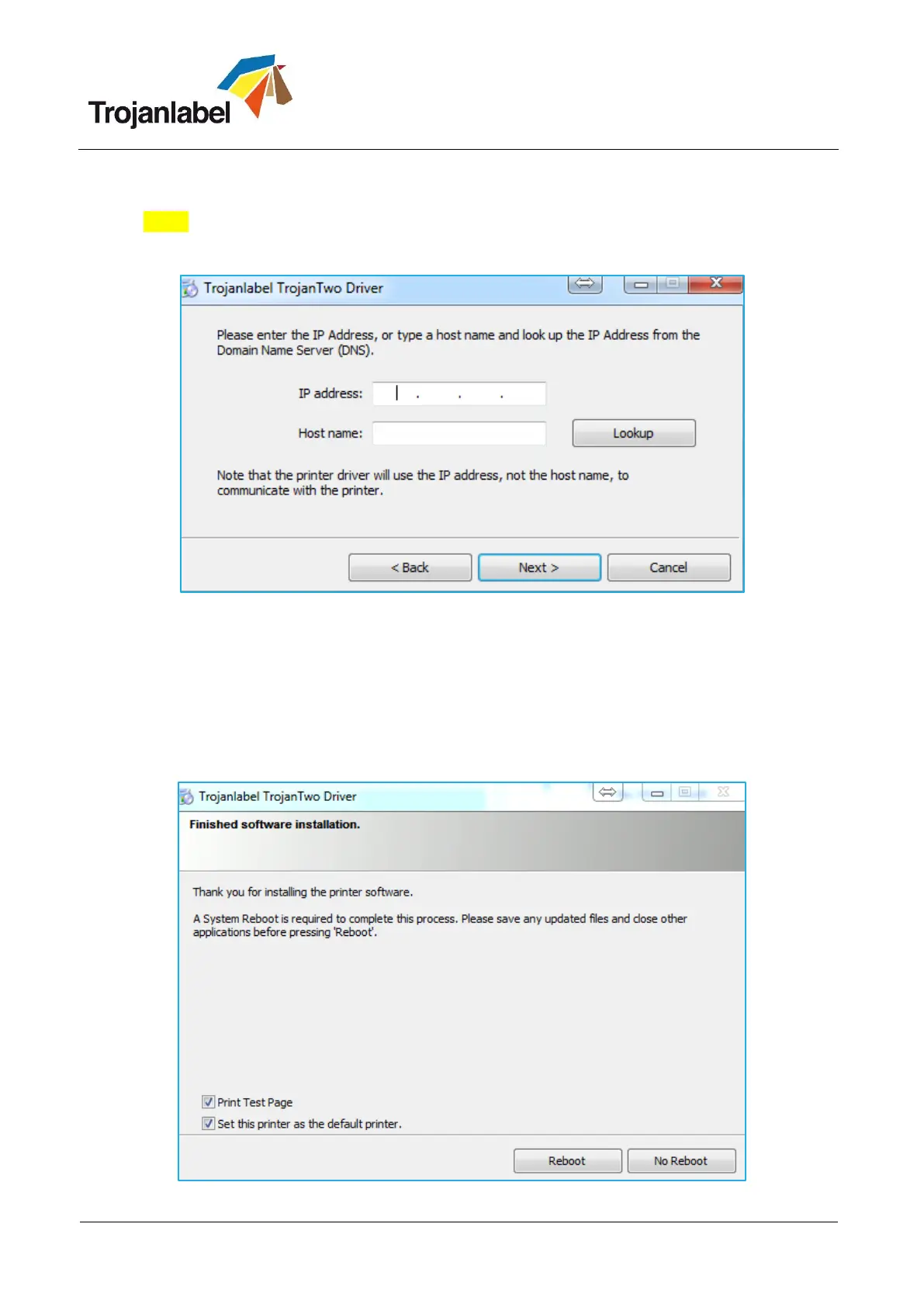
Depending on Local Network policy there might be occasions when the auto detection of the
TrojanTwo press is not working. This case type the IP address of the TrojanTwo manually.
NOTE: Current IP address of the TrojanTwo press can be checked on the touch screen at
HOME -> Settings -> Network menu.
You might be asked a couple of times (depending on Microsoft Windows OS version) to give
permission to proceed with setup. Press ’Yes’ or ’Unblock’ each time and wait until the progress bar
finishes the installation.
When the installation is finished you might need to restart your PC to make sure that the
installation process made all necessary changes in your operating system.
Print test page (test page is the regular Microsoft Windows test page set to A4 size cutsheet).
Unselect if you do not want to print this out.



 To Next Page