8.1 Types of Errors
The diagnostic system indicates an error on the touchscreen display when an
error occurs.
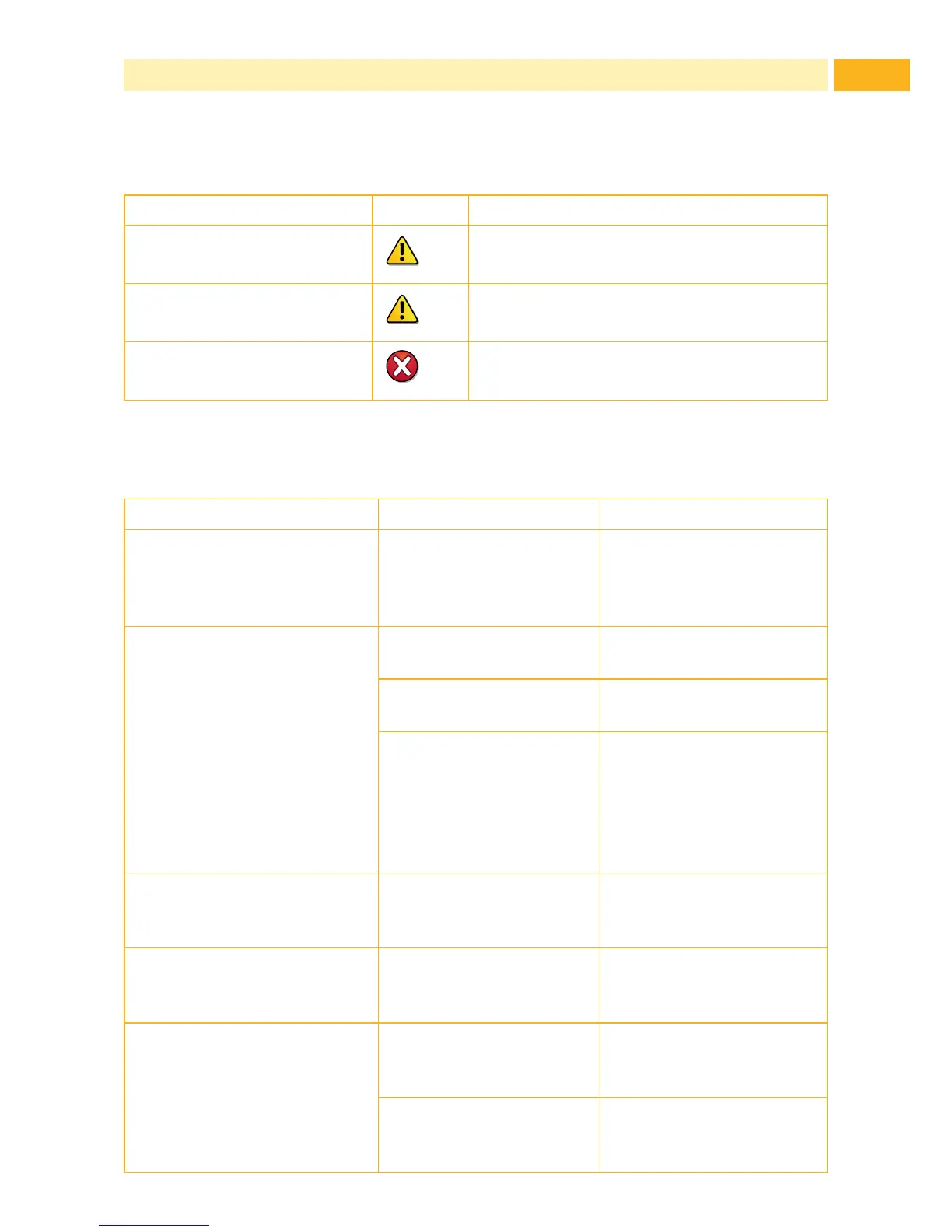
State Display Button
Correctable error
Continue, Cancel
Display turns red
Irrecoverable error
Cancel
Display turns red
Critical fault
Cancel
Display turns red
Table 3 Error States
8.2 Problem Solution
Problem Cause Remedy
Horizontal white lines in the
print image
Printer is used with the
backfeed > smart in
the cut or
peel-off mode
Set the backfeed >
always in the setup.
Print image has smears or
voids
Printhead is dirty Clean the printhead
7.2 on page 22
Temperature too high Decrease temperature
via software.
Unsuitable combination
of media and transfer
ribbon
Always use TE
Connectivity approved
products. Consult the
Identication TT Printer
Product Ribbon matrix
(411-121005)
Printer only prints every
second label
Setting of the size in the
software is too large.
Adjust the dimensions of
the media template in the
software.
Printer prints a sequence
of characters instead of the
label format
Printer is in ASCII dump
mode
Cancel the ASCII dump
mode.
Transfer ribbon wrinkles Transfer ribbon feed
path not adjusted
Adjust transfer ribbon
feed path 4.5 on page
19
Transfer ribbon too wide Use transfer ribbon only
a little wider than the
media.
8 Fault Correction



 To Next Page