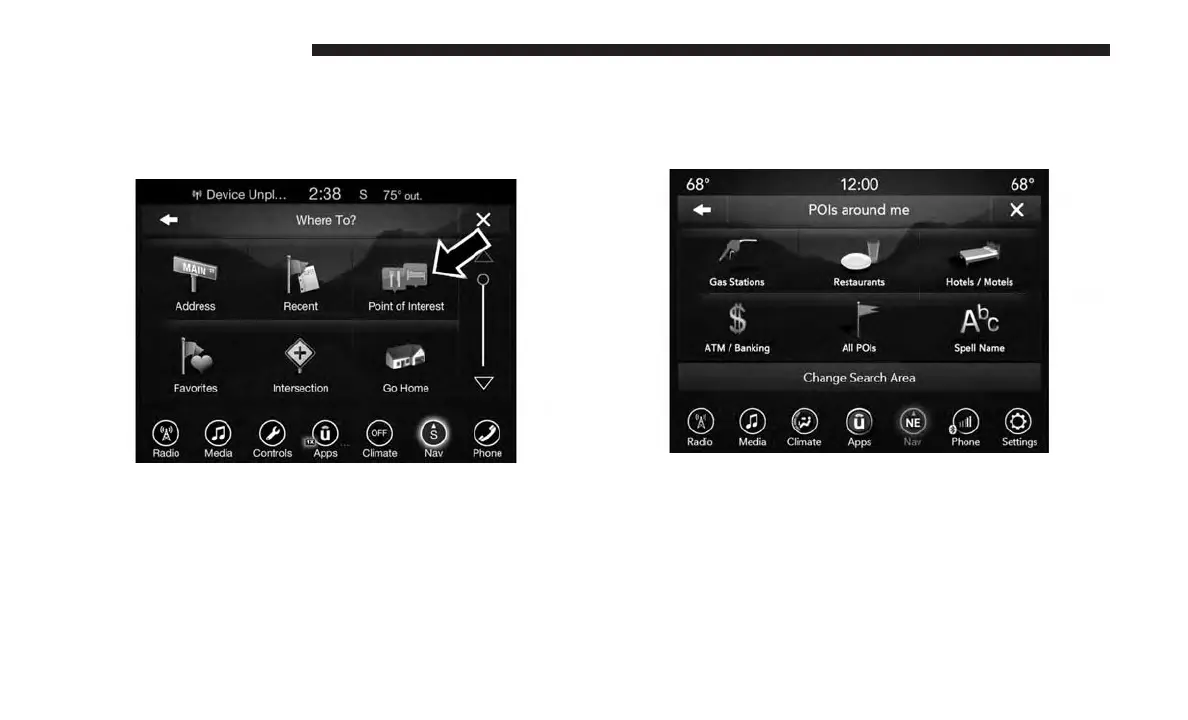
Where To? — Point of Interest
To enter a destination by Point of Interest (POI), press the
“Where To?” button from the Nav Main Menu, then press
the “Point of Interest” button on the touchscreen.
The Point of Interest database allows you to select a
destination from a list of locations and public places, or
points of interest.
You have the following POIs to choose from:
• Gas Stations
• Restaurants
• Hotels/Motels
• ATM/Banking
• All POIs
• Spell POI Name
You can also change your POI search area, by pressing the
“Change Search Area” button on the touchscreen. You will
have the following options to change your search area:
• Around Me
• In a City
• Near Destination (only available during route guidance)
• Along Route (only available during route guidance)
120 UCONNECT 8.4/8.4 NAV



 To Next Page