UCONNECT THEATER — IF EQUIPPED
Uconnect Theater Overview
Your Uconnect Theater is designed to give your family
years of enjoyment.
There are multiple ways to interact with your Uconnect
Theater system.
• Play your favorite CDs, DVDs or Blu-ray Discs
• Plug and play a variety of standard video games or
devices into the HDMI port
• Listen to audio over the wireless headphones
• Plug and play a variety of devices into the Video USB
port
• Plug in standard headphones to listen to audio
Getting Started
There are three different ways to operate the features of the
Uconnect Theater:
• The Remote Control
• The Touchscreen Radio
• The Individual Video Screens
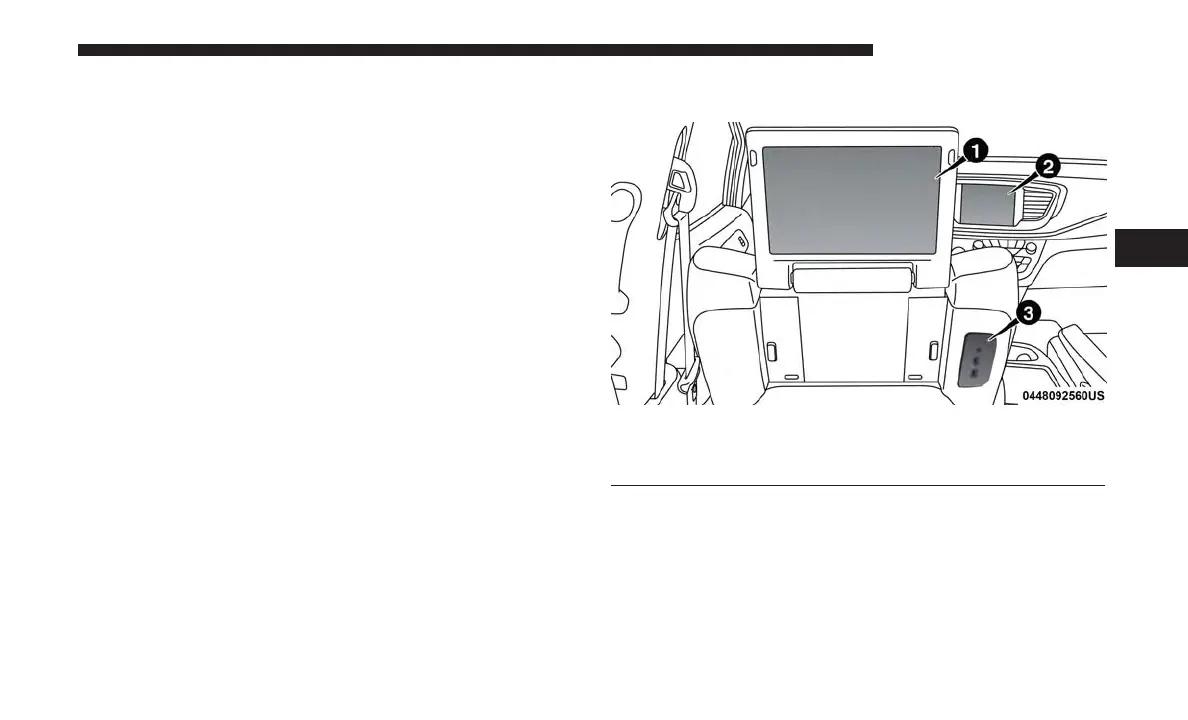
1 — Uconnect Theater Touchscreen
2 — Uconnect Radio
3 — Uconnect Theater Media Hub
4
UCONNECT 8.4/8.4 NAV 159



 To Next Page