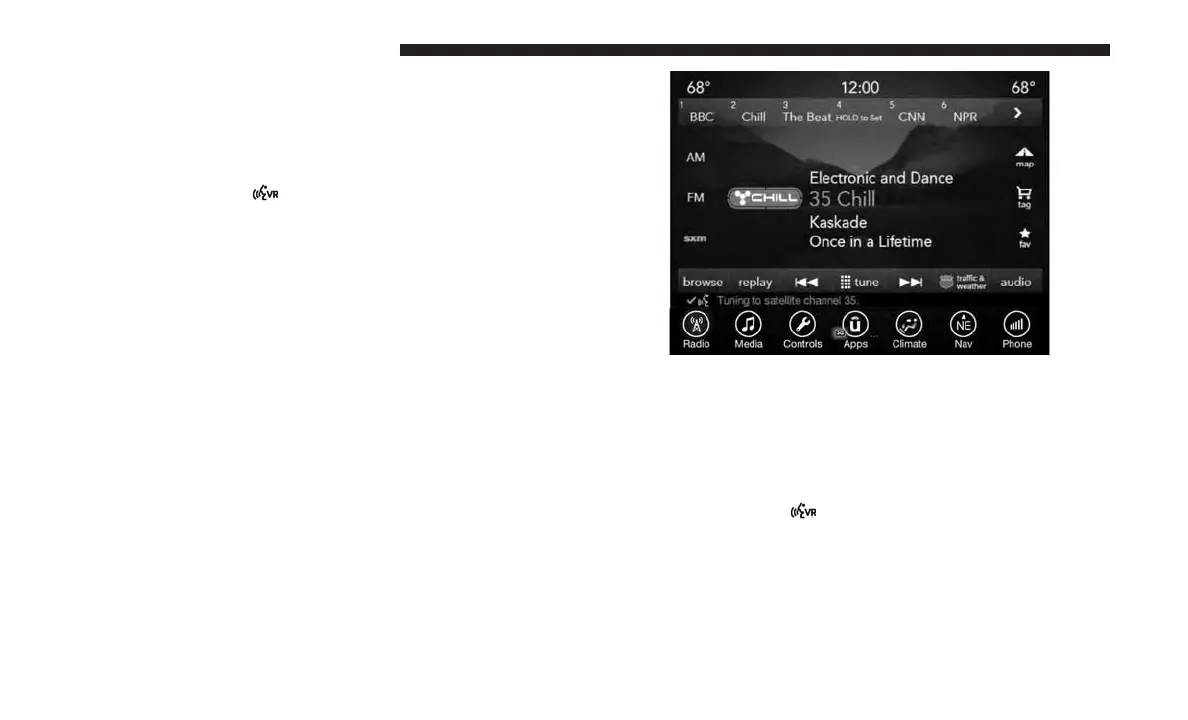
Radio
Use your voice to quickly get to the AM, FM or SiriusXM
Satellite Radio stations you would like to hear. (Subscrip-
tion or included SiriusXM Satellite Radio trial required.)
Push the VR button
. After the beep, sayѧ
• Tune to ninety-five-point-five FM
• Tune to Satellite Channel Hits 1
TIP: At any time, if you are not sure of what to say or want
to learn a Voice Command, push the VR button and say
“Help.” The system will provide you with a list of com-
mands.
Media
Uconnect offers connections via USB, SD, Bluetooth and
auxiliary ports. Voice operation is only available for con-
nected USB and iPod devices. (Remote CD player optional
and not available on all vehicles.)
Push the VR button
. After the beep, say one of the
following commands and follow the prompts to switch
your media source or choose an artist.
• Change source to Bluetooth
• Change source to iPod
196 VOICE RECOGNITION QUICK TIPS



 To Next Page