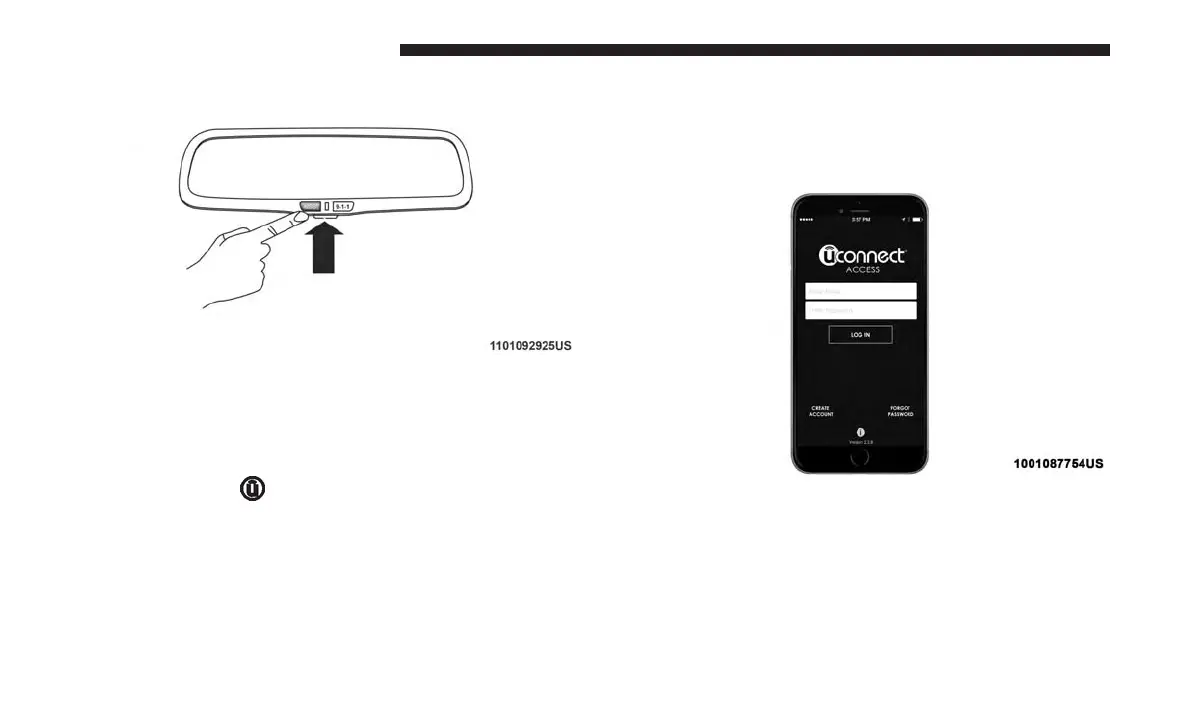
2. Press the “Uconnect Care” button on the touchscreen.
3. A helpful Uconnect Care Agent will register your ve-
hicle and handle all of the details.
Signing up is easy! Simply follow the steps above. Or,
press the “Apps
” button on the touchscreen to
“Register By Web” to complete the process using your
smartphone or computer.
For further information please visit
www.driveuconnect.com
Vehicle Health Report/Alert
Mobile App
You’re only a few steps away from using remote com-
mands and playing your favorite music in your car.
To link your internet radio accounts:
1. Download the Uconnect Access App to your mobile
device.
2. Press the Via Mobile icon on the navigation bar at the
bottom of the app.
Mobile App
202 VOICE RECOGNITION QUICK TIPS



 To Next Page