NOTE: Route notifications will pop-up at the bottom of the
screen in the center.
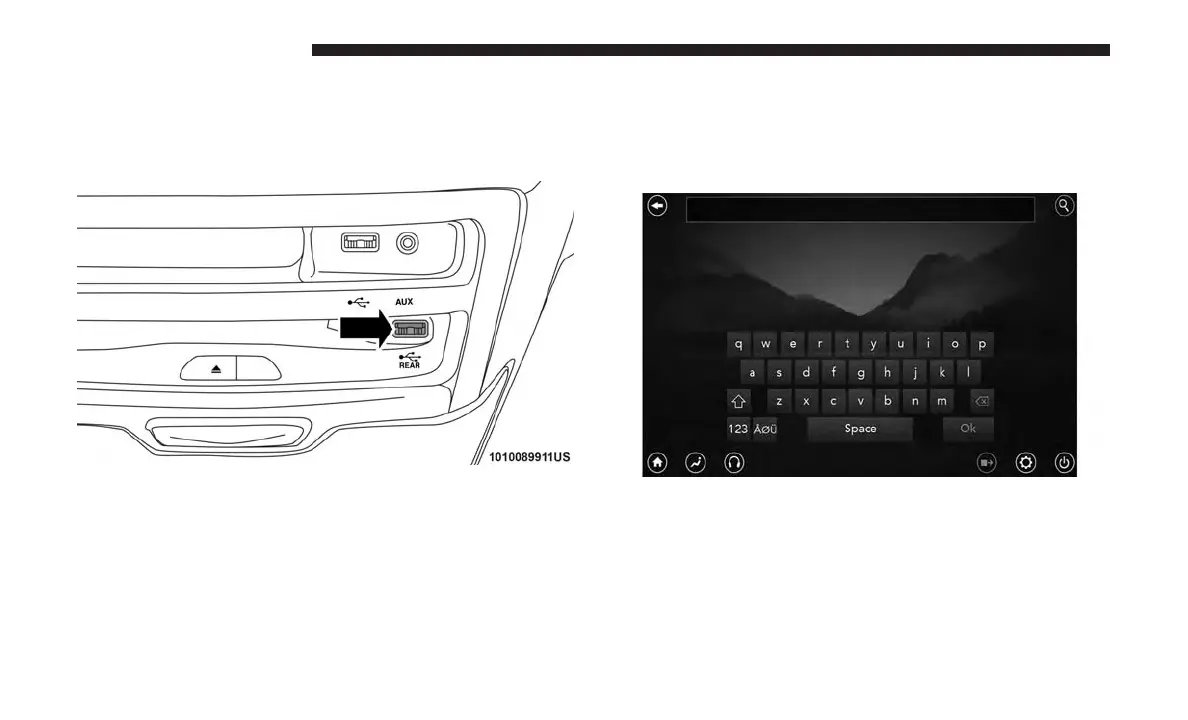
Using The Rear Video USB Port
Plug in a jump drive, iPhone, iPod or mass storage device
and play your favorite music or movies.
NOTE: To view USB media on the rear theater screens,
insert a USB jump drive into the port next to the DVD/
Blu-ray disc player. The USB jump drive port is located
under the radio controls in the instrument panel.
Use the search feature to find your music faster.
172 UCONNECT 8.4/8.4 NAV



 To Next Page