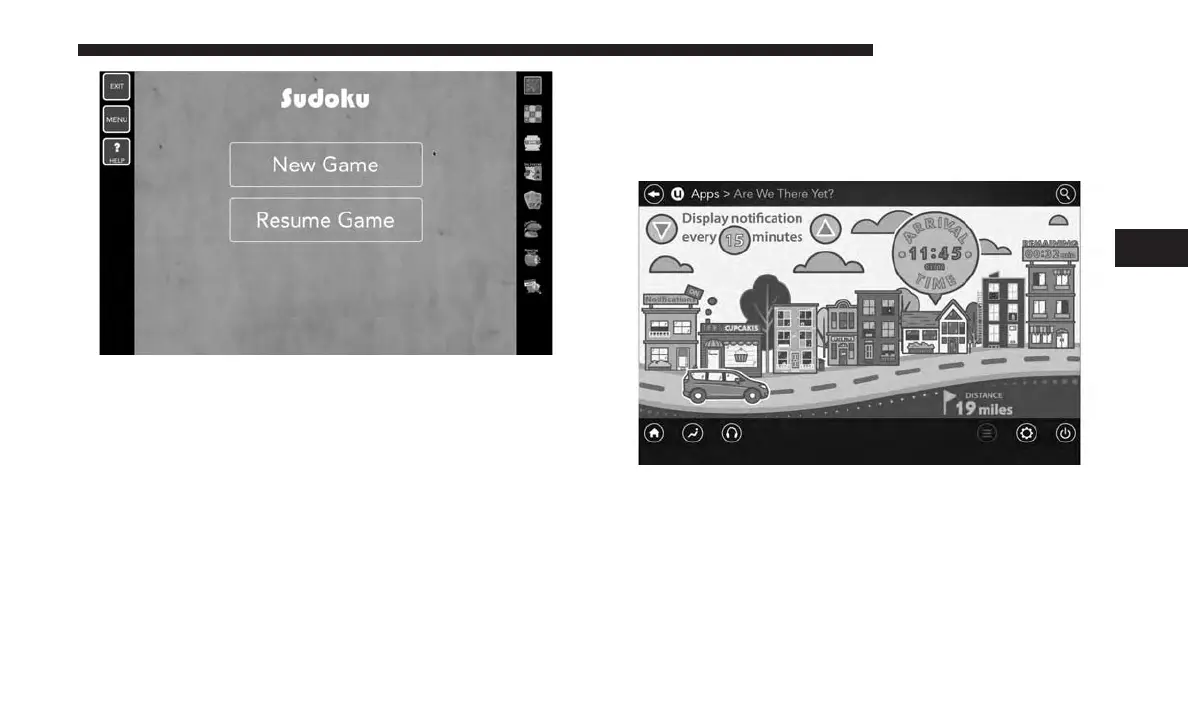
Select the Apps source card to play pre-loaded games.
Pressing the “Help” button teaches users how to play each
game. Pick from games:
• Back Seat Bingo
• Checkers
• Hanging Fruit
• License Plate Game
• Math Flash Cards
• Solitaire
• Sudoku
• Tic Tac Toe
NOTE: To exit a game, push “Exit Button” than “Back
Arrow,” or “Home Button” on the touchscreen.
Are We There Yet? — Uconnect 8.4 NAV
When a navigation route has been set from the Uconnect
radio, the second row passengers can use “Are We There
Yet?” for an animated screen showing distance and time
remaining on navigation routes as well as the estimated
time of arrival with pop-up notifications. Notifications and
frequency can be set up for route information while in
other Uconnect Theater screens too.
4
UCONNECT 8.4/8.4 NAV 171



 To Next Page