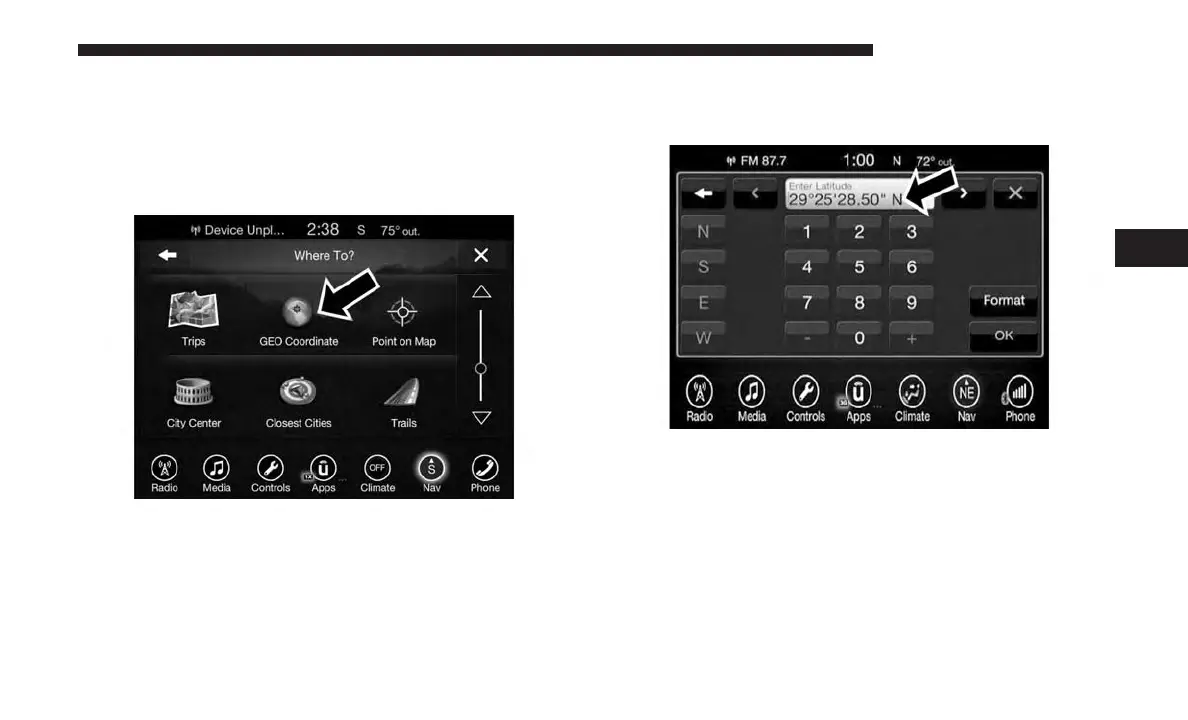
Where To? — GEO Coordinate
To route to a saved Trip, follow these steps:
1. While in the Nav Main Menu, press the “Where To?”
button on the touchscreen then press the “GEO Coordi-
nate” button on the touchscreen.
2. Enter the Latitude by typing in the numbers. Use the left
and right arrows to select specific numbers in the
location shown.
Press the “Format” button on the touchscreen to change
the format of the Latitude/Longitude entry.
4
UCONNECT 8.4/8.4 NAV 135



 To Next Page