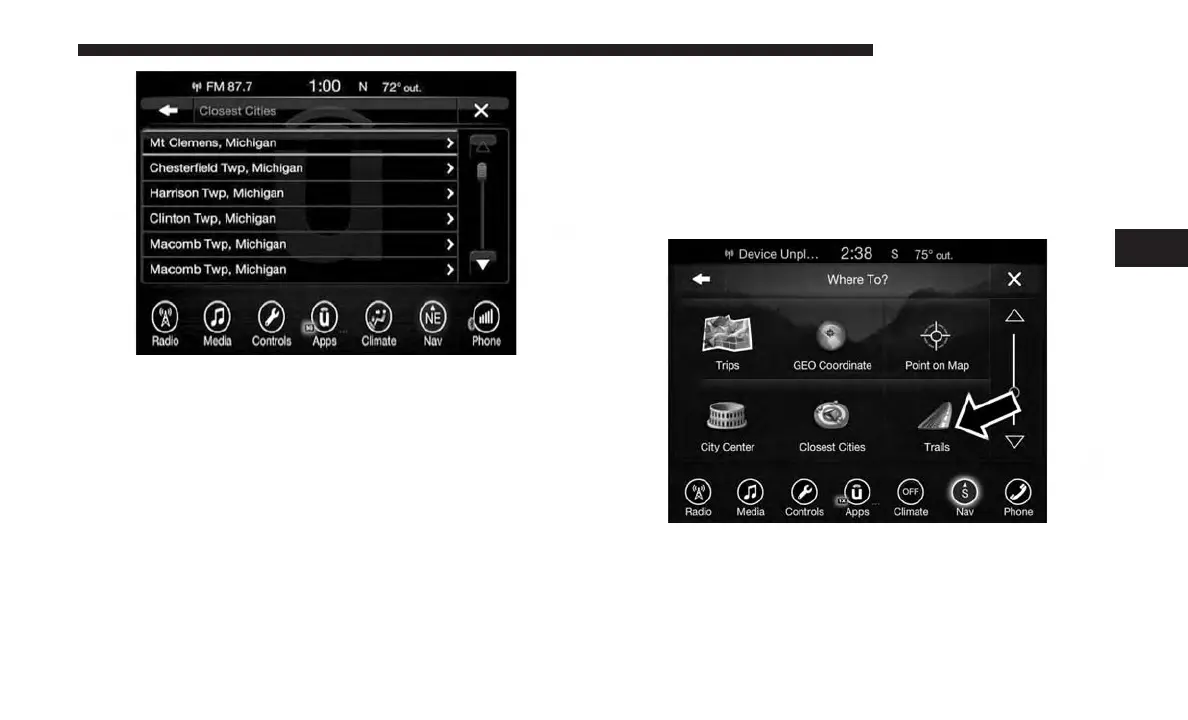
3. Press the “Yes” button on the touchscreen to confirm
your destination and begin your route.
If you are currently on a route guidance and you select a
Closest City, the system will ask you to choose one of the
following:
• Cancel previous route
• Add as first destination
• Add as last destination
NOTE: You can press the “back arrow” button on the
touchscreen to return to the previous screen or the “X”
button on the touchscreen to exit.
Where To? — Trails
When starting to drive a trail you want to record, follow
these steps:
1. While in the Nav Main Menu, press the “Where To?”
button on the touchscreen then press the “Trails” button
on the touchscreen.
2. Press “Start Trail Recording.”
4
UCONNECT 8.4/8.4 NAV 139



 To Next Page