If you are currently on a route guidance and you select a
Phone number destination, the system will ask you to
choose one of the following:
• Cancel previous route
• Add as first destination
• Add as last destination
NOTE: You can press the “back arrow” button on the
touchscreen to return to the previous screen or the “X”
button on the touchscreen to exit.
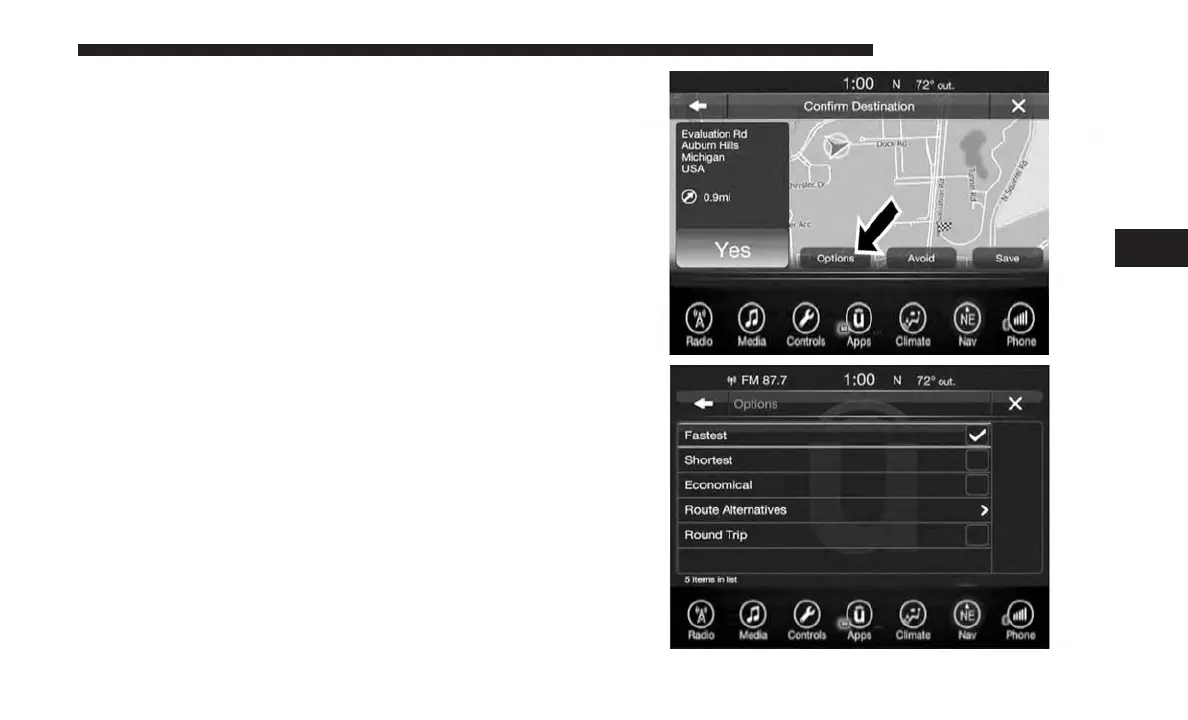
Before Route Guidance
Before confirming the route with the “Yes” button on the
touchscreen, it is possible to select options different from
the default route settings.
• Options – Press the “Options” button on the touchscreen
to display a list of options to alter your route. To make a
selection press and release the desired setting until a
check-mark appears.
4
UCONNECT 8.4/8.4 NAV 141



 To Next Page