Information — SiriusXM Traffic (U.S. MARKET 8.4
NAV ONLY)
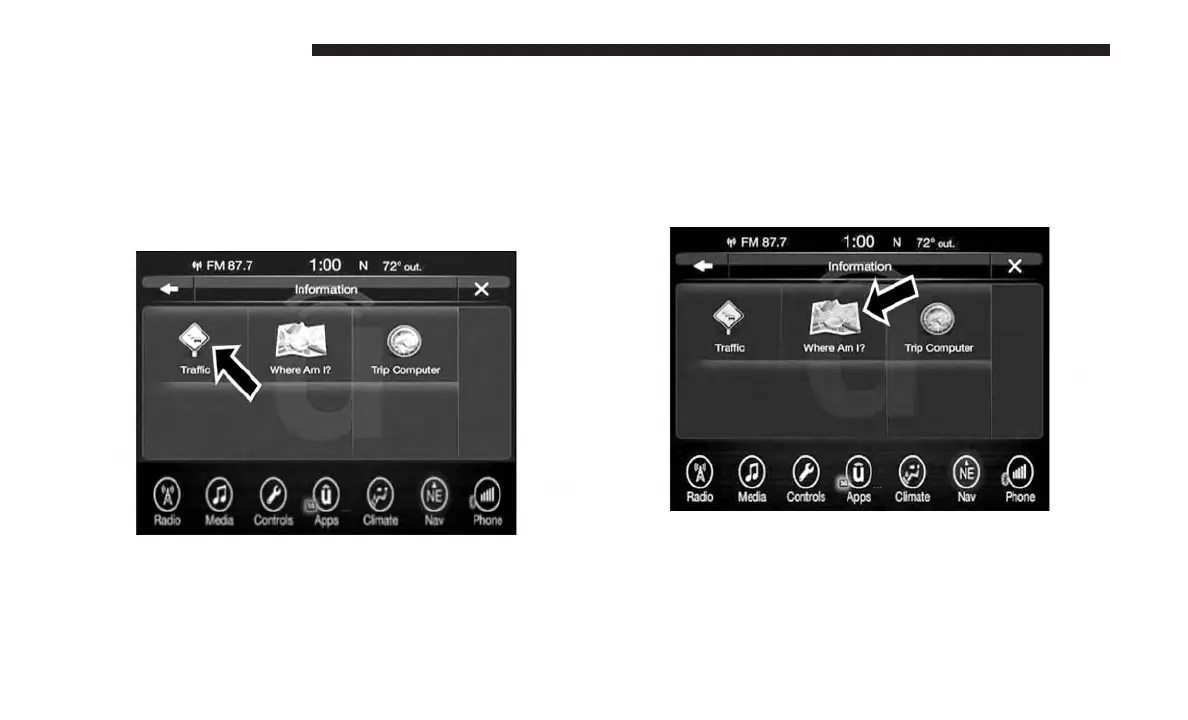
To select SiriusXM Traffic information, follow these steps:
1. While in the Nav Main Menu, press the “Information”
button on the touchscreen.
2. Press the “Traffic” button on the touchscreen.
Traffic displays detailed traffic information, refer to
SiriusXM Traffic in this section for further information.
Information — Where Am I?
To select “Where Am I?” information, follow these steps:
1. While in the Nav Main Menu, press the “Information”
button on the touchscreen.
2. Press the “Where Am I?” button on the touchscreen.
Where Am I? displays the address and GEO Coordi-
nates of your current location.
3. Press the “GPS” button on the touchscreen to view the
GPS information.
152 UCONNECT 8.4/8.4 NAV



 To Next Page