• Police – Search and route to a Police Station close to your
current location
• Fire Department – Search and route a Fire Department
close to your current location
Press the “Location” button on the touchscreen to display
your exact current location.
Press the “Save” button on the touchscreen to save your
current location in Favorites.
NOTE: You can press the “back arrow” button on the
touchscreen to return to the previous screen or the “X”
button on the touchscreen to exit.
Emergency — Hospital
To search for a Hospital close to your current location,
follow these steps:
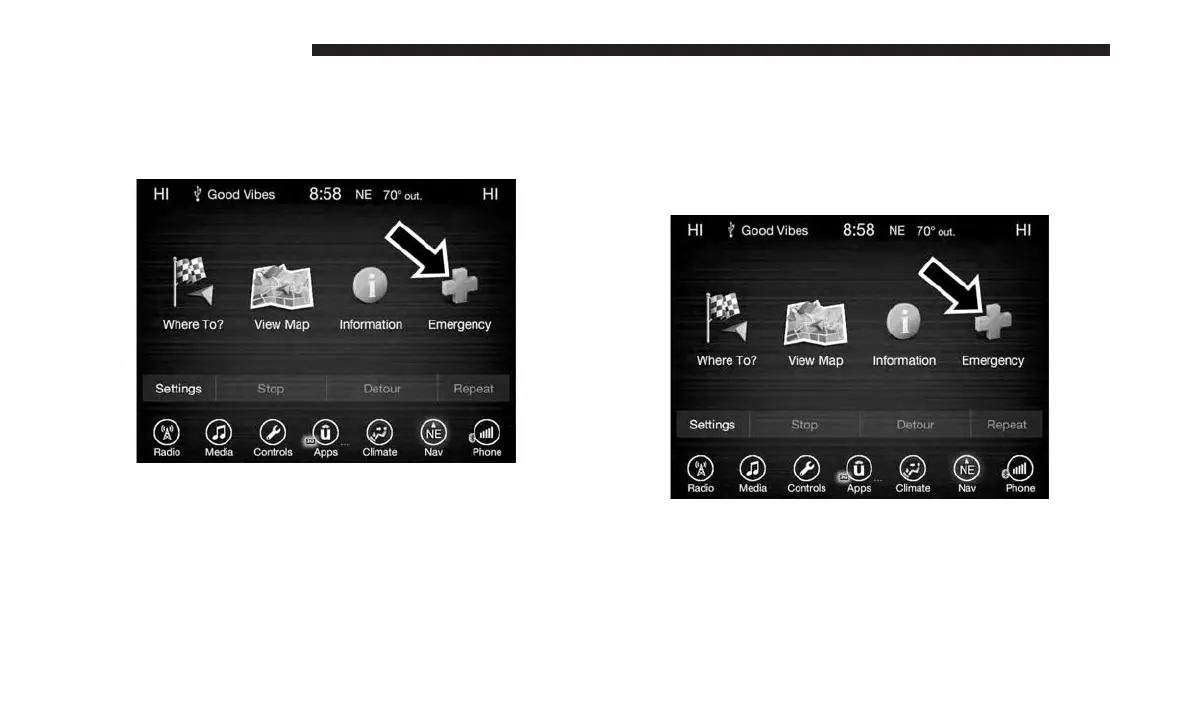
1. While in the Nav Main Menu, press the “Emergency”
button on the touchscreen.
2. Press the “Hospital” button on the touchscreen.
154 UCONNECT 8.4/8.4 NAV



 To Next Page