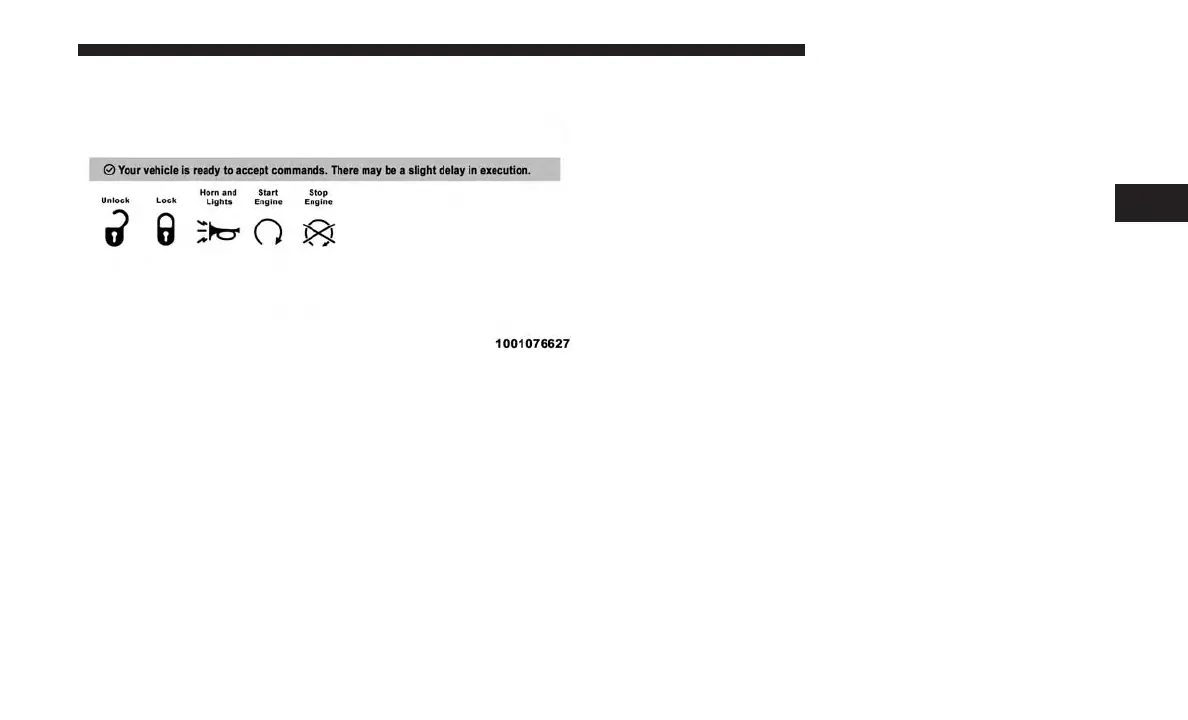
4. You will then be asked to enter your Uconnect Security
PIN (this is the same 4-digit code established when your
registered your Uconnect Access system). Please enter
your Uconnect Security PIN.
5. A message will appear on the screen to let you know if
the command was received by your vehicle.
Uconnect Care:
1. If you need to unlock the doors of your vehicle, contact
Uconnect Care by calling:
855-792-4241
NOTE: The Uconnect Care agents are trained to help you
with unlocking of your door (for example, in an accidental
lock-out). All other Remote Services should be performed
via the Mopar Owner Connect website
(
moparownerconnect.com
) or through the Uconnect Ac-
cess App on your compatible device.
2. For security purposes, the Uconnect Care agent will
verify your identity by asking for your 4-digit Uconnect
Security PIN.
3. After providing your Uconnect Security PIN, you can
ask them to lock or unlock your vehicle. The agent will
send a command to your vehicle to get the task done.
Requirements
• Vehicle must be properly equipped with the Uconnect
Access System.
• Vehicle must have an operable 1X (voice/data) or 3G
(data) network connection.
• Vehicle must be registered with Uconnect Access and
have an active subscription that includes the applicable
feature or App.
3
ALL ABOUT UCONNECT ACCESS 45



 To Next Page