12 ULEAD DVD MOVIEFACTORY USER GUIDE
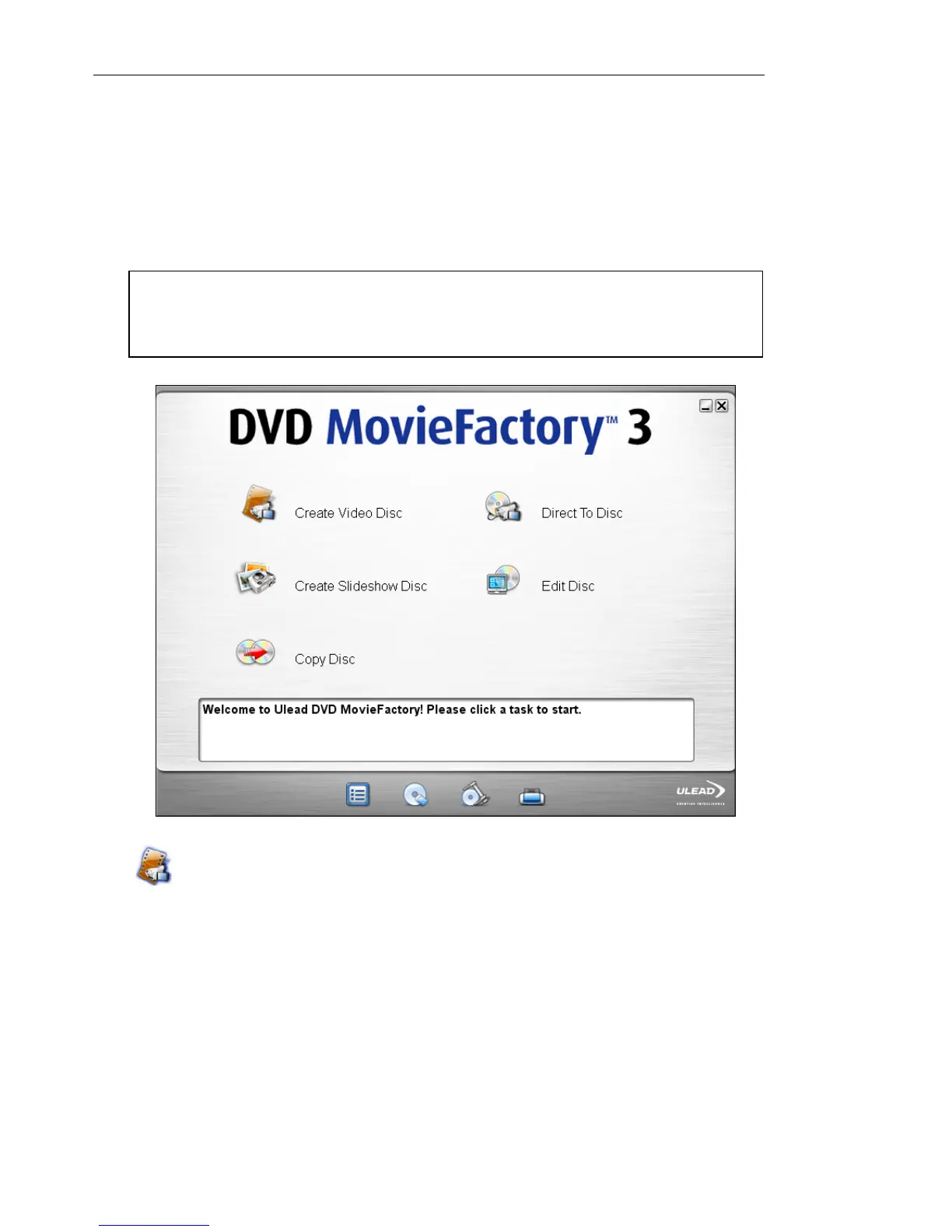
DVD MovieFactory launcher
The DVD MovieFactory launcher serves as a control panel where
you can find the tasks you’ll need for disc-authoring. Clicking a task
icon will launch the program module associated with it.
Create Video Disc
Opens the DVD MovieFactory Start dialog box where you can
create a new video project or open an existing one.
To start a new video project:
1. Select New Project.
2. Select the output disc format.
3. Click OK.
Note: Opening previously created project files from outside DVD
MovieFactory launcher will automatically launch the associated
program.



 To Next Page