46 ULEAD DVD MOVIEFACTORY USER GUIDE
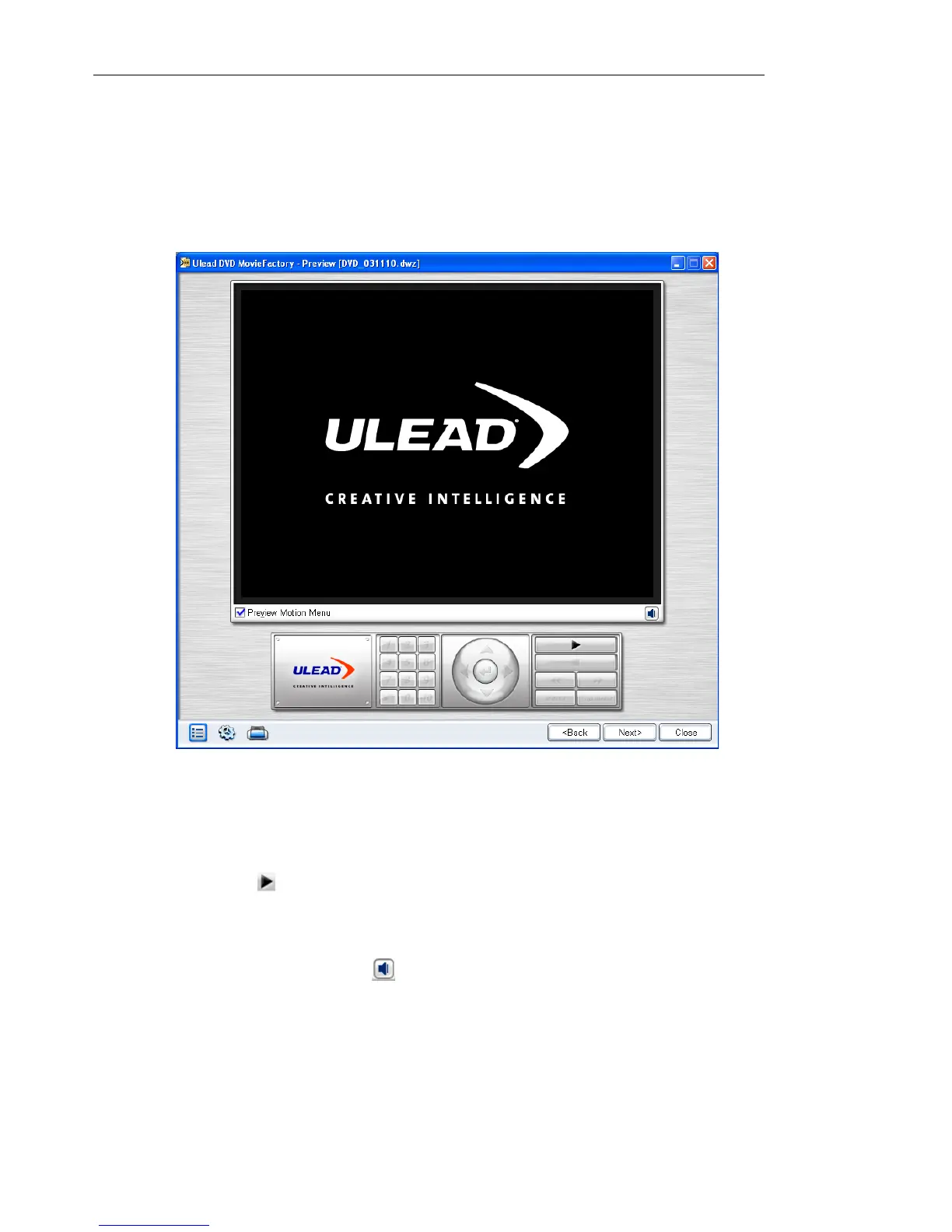
Preview
Now, it’s time to view your video project and do a final check before
you finally burn it onto a disc.
To preview your video project:
1. If you applied motion menu or background video in menus,
select Preview Motion Menu to the see their behaviors.
2. Click Play to watch your video project and test the menu
selection on your computer. Use the navigation controls as you
would use a standard remote control of a home DVD player.
3. Click Volume control to adjust the audio volume of your
computer as you preview your video project.
4. Click Next to proceed to the Finish step and setup the output
settings for your project and burn it onto a disc.



 To Next Page