38 ULEAD DVD MOVIEFACTORY USER GUIDE
Options for the Text tab
• Added text list Records all the text strings that have been
added. Use this list to select the text to edit or remove.
• Delete Click to remove the selected text from the video.
• Duration Specify how long you want the text to be displayed.
• Transparency Enter a value or click to move the slider to adjust
the transparency of the text.
• Show/Hide Shadow options Toggles between showing and
hiding the settings for the text shadow.
• X-offset Determines the horizontal distance between the text
and the shadow.
• Y-offset Determines the vertical distance between the text and
the shadow.
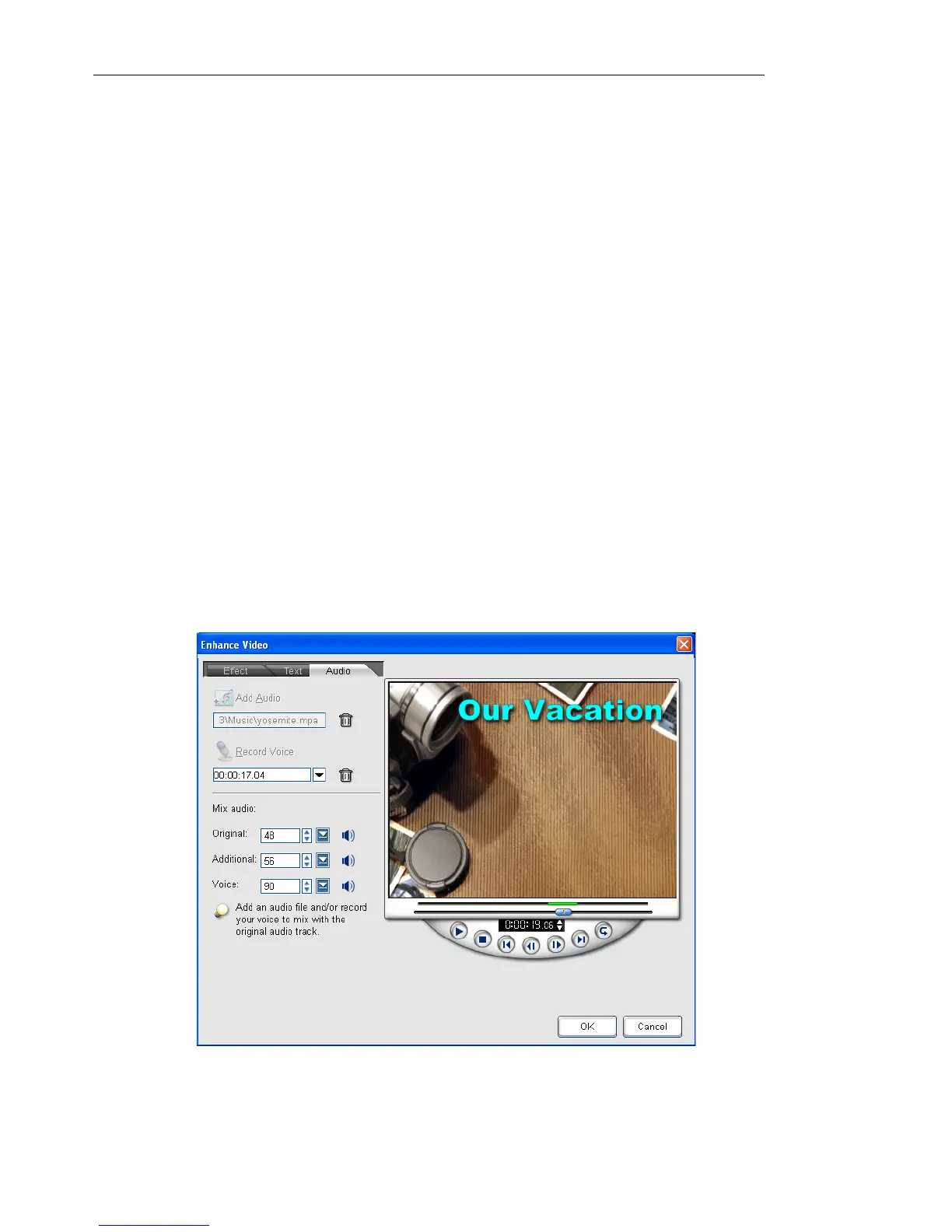
The Audio tab
The Audio tab allows you to add audio to your video.



 To Next Page