ULEAD DVD MOVIEFACTORY USER GUIDE 61
Print Disc Label
Print Disc Label allows you to design and print stunning discs
labels and case covers for your discs. It lets you add and lay out
images and text.
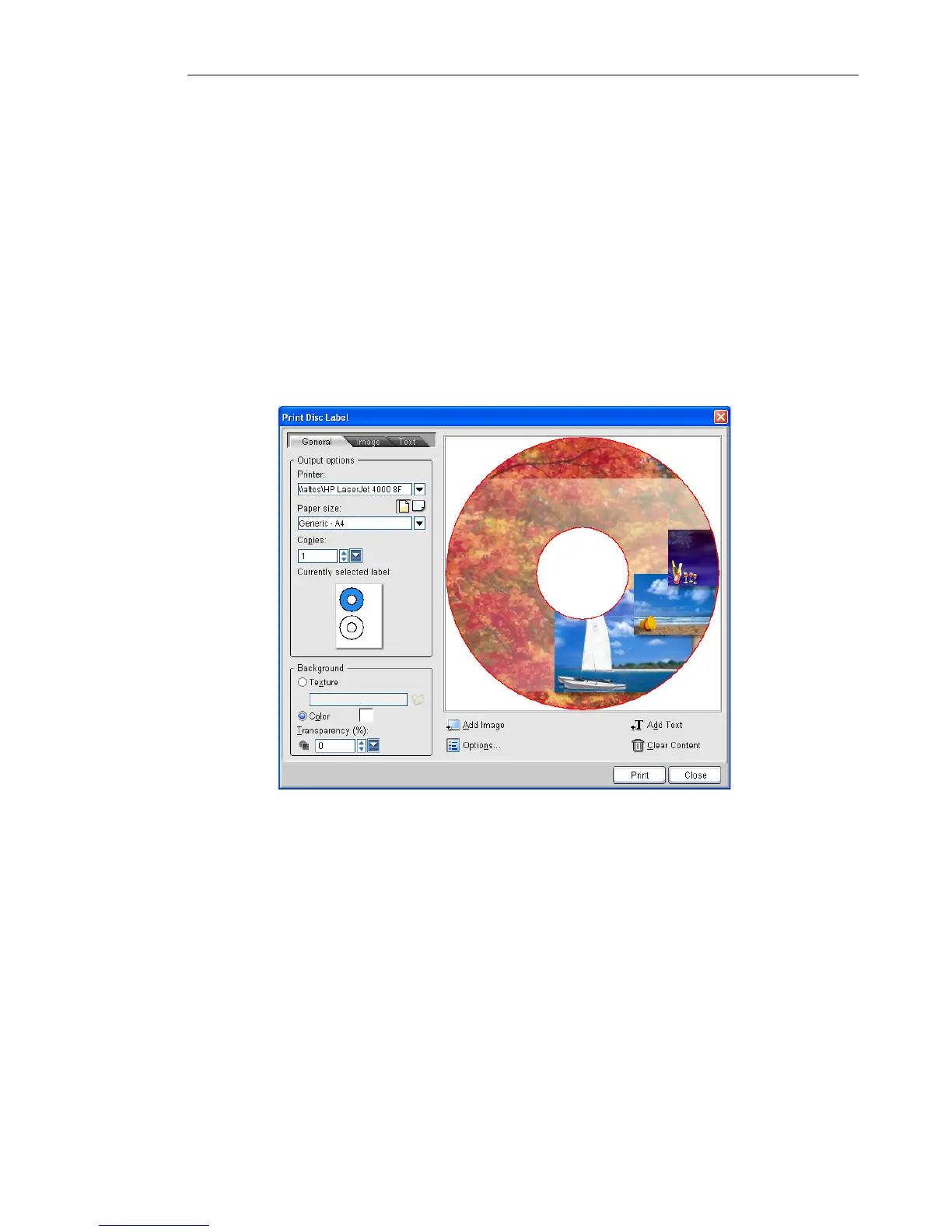
Print Disc Label dialog box
The General tab allows you to select a disc label or disc cover
template to start with. You can then customize the overall design of
the disc label or disc cover.
• Printer Select a printer to use.
• Paper size Select a paper template to work on or create your
own customized template.
• Paper Orientation Select whether to use Portrait or Landscape
orientation for the paper.
• Copies Enter the number of copies to print.
• Currently selected label Displays a preview of the currently
selected paper template.



 To Next Page