48 ULEAD DVD MOVIEFACTORY USER GUIDE
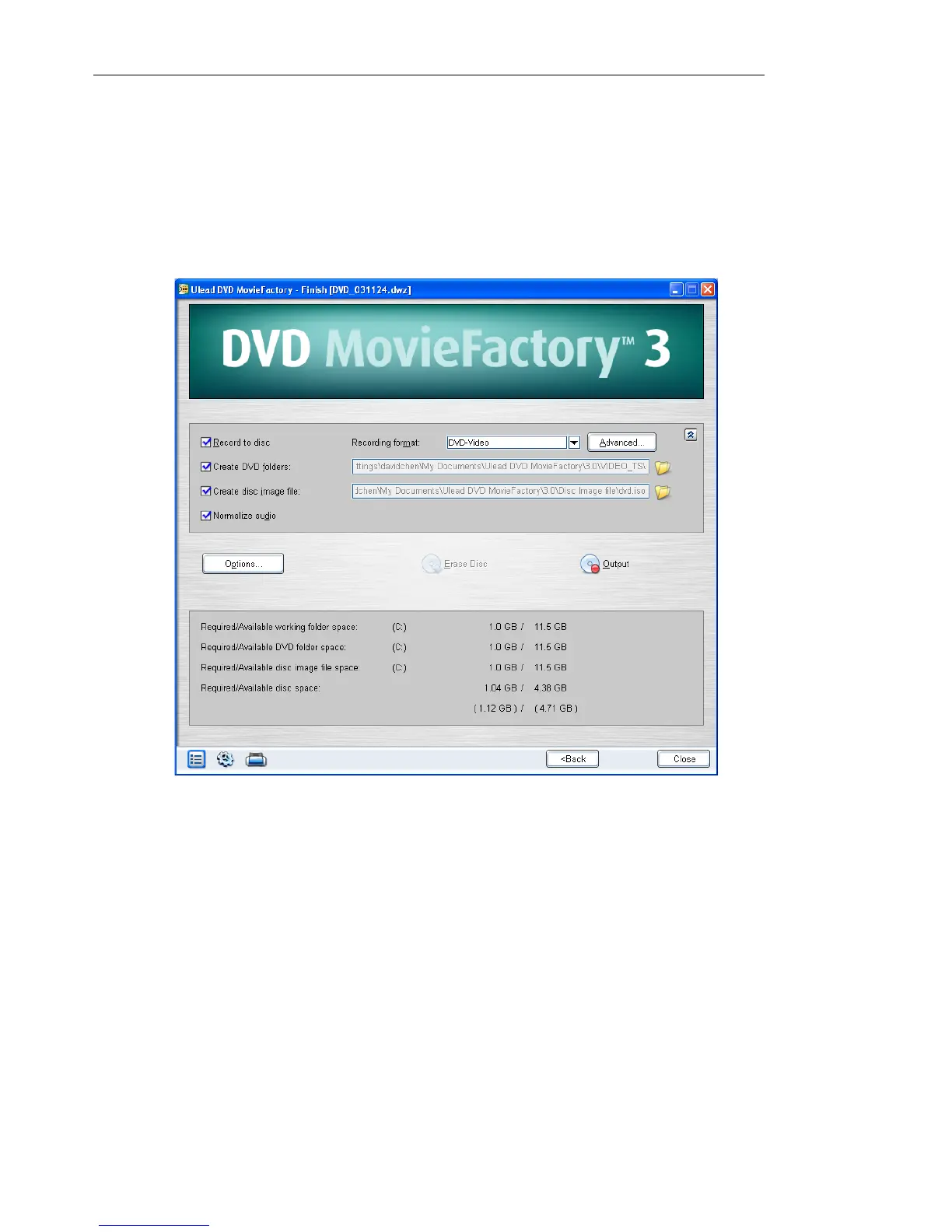
Output
This is the final step in disc-authoring process. Choose the disc
burner and/or select the folder where you want to output video files
or a disc image file in this step.
To burn your project onto a DVD:
1. Select Record to disc and specify the recording format.
2. If you selected DVD-Video as the recording format, the
Advanced button will be enabled. Select Standard (industry
standard) or Fast re-editable.



 To Next Page