ULEAD DVD MOVIEFACTORY USER GUIDE 37
The Text tab
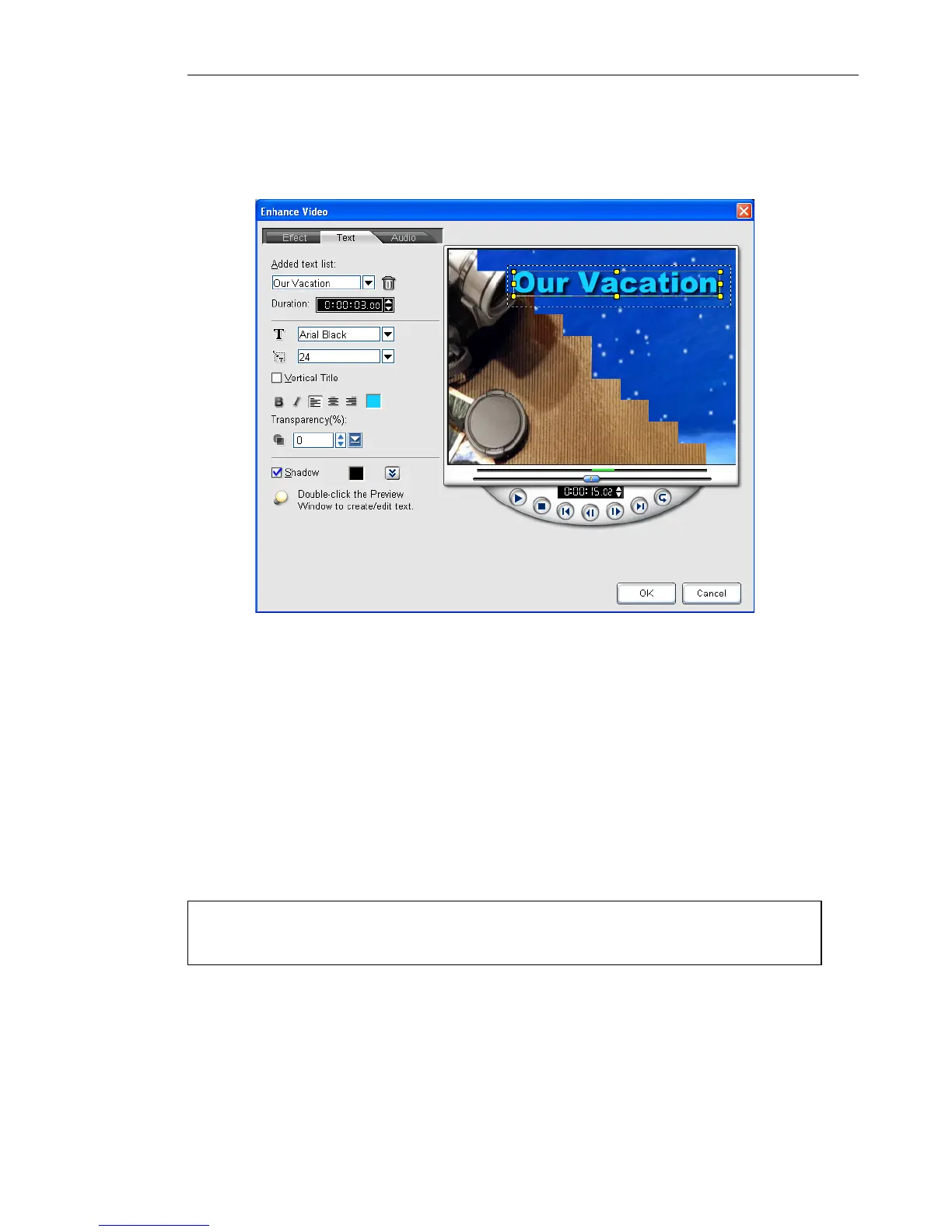
The Text tab allows you to add and format text.
To add text to your video:
1. In the Text tab, drag the Jog Bar or use the playback controls
to move between frames in the video. Stop when you reach the
point where you want to add the text.
2. Double-click the Preview Window to enter the text. Specify the
duration, font type, size, color, and other properties.
3. Repeat steps 1 to 2 to add more text. You can use the playback
controls to preview the result. The text will not overlap each
other.
4. Click OK.
Tip: To modify or delete the added text, select it in the Added text
list then apply preferred settings or click Delete.



 To Next Page